


Forget the old limitations — ChatGPT's latest update is about to change how you create visuals, tell stories, and design like a pro. Here's what you need to know (with real examples).
If You Think ChatGPT Is Just for Text, Think Again
OpenAI has just dropped a game-changing update: ChatGPT-4o, and it's not just about words anymore. For the first time, we're seeing AI truly master visual creativity — with a level of precision, coherence, and imagination that rivals dedicated design tools.
I've spent time testing this new version, and what I discovered blew me away. Let me walk you through what it can do — with real examples and prompts you can try yourself.
1. Character Consistency Across Images
One of the biggest frustrations with AI-generated visuals has been character inconsistency. You'd create a cat in one frame, and in the next it turns into a tiger with three legs. That's over.
Example Prompt Series:
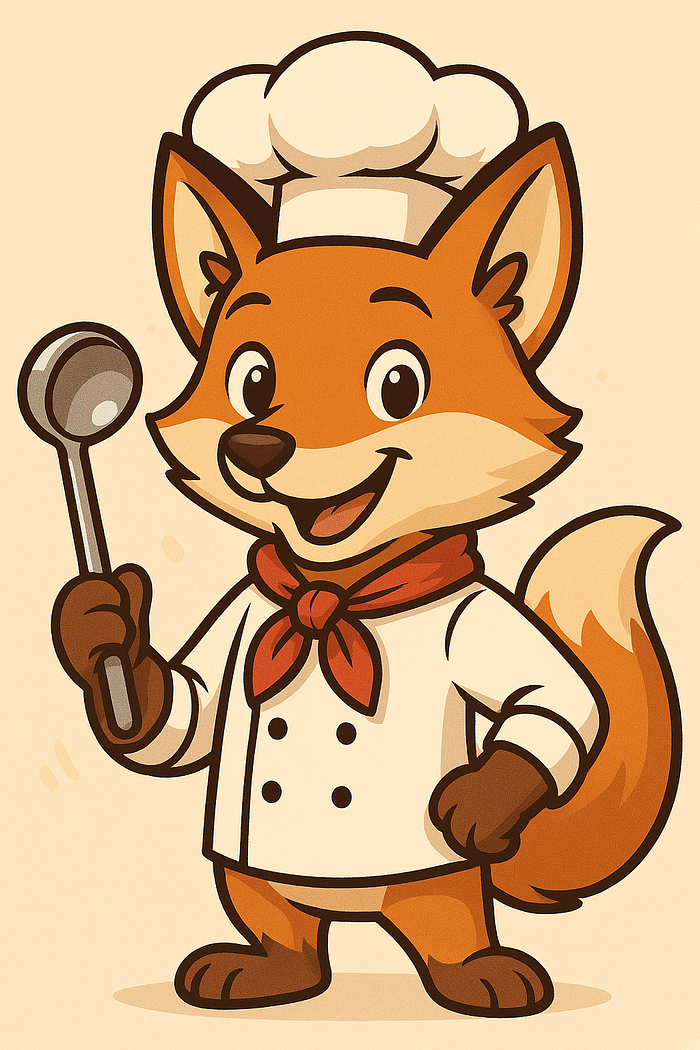
- "Create a fox wearing a chef's hat and holding a ladle, cartoon style."
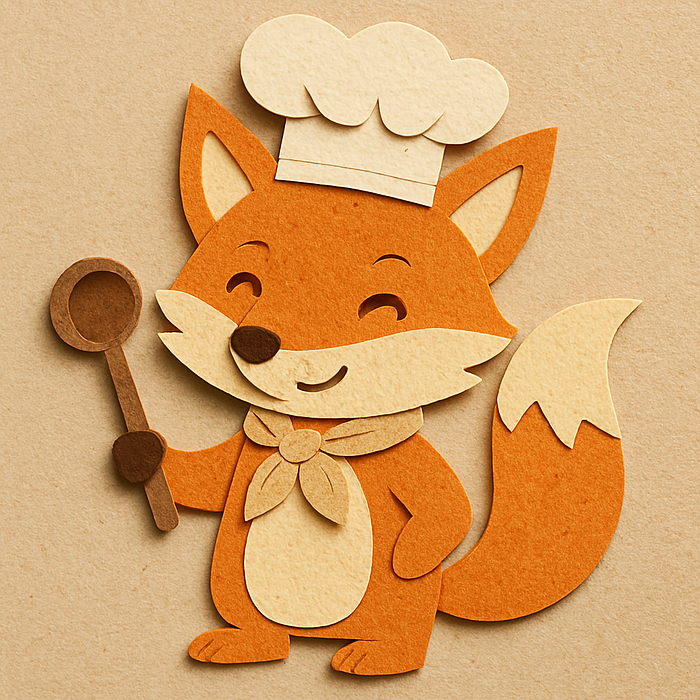
- "Now make the same fox look like it's made of paper cutouts."
- "Now render it as a blown-glass sculpture."
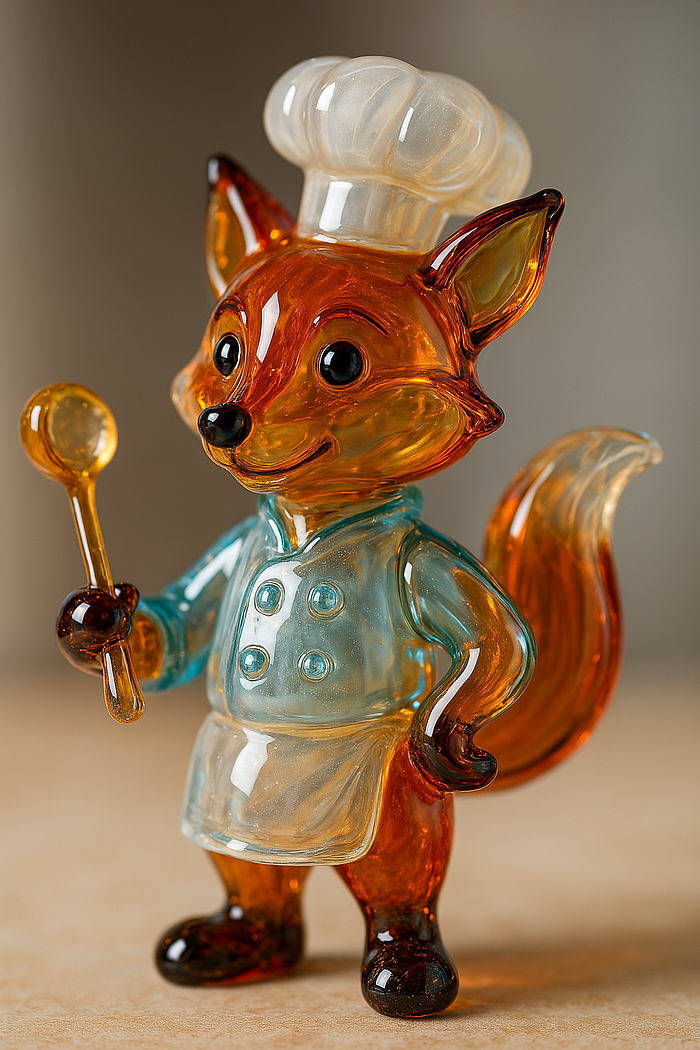
The result? A character that holds its form across styles — same pose, same hat, same personality. It's like giving your idea a costume change without losing the soul.
2. Text in Images That Actually Works
For the first time, ChatGPT can integrate real, readable, well-placed text into visuals — no more broken letters or gibberish.
Example Prompt: "Create a colorful poster for a summer smoothie party. In the center, place a large smoothie glass with fruit decorations. At the top, include the title 'Summer Smoothie Bash!' and at the bottom, write 'Fresh, Fun & Free!' in a playful handwritten-style font."

And it nails it. Perfect typography placement, zero spelling mistakes, and just enough design flair to make it shareable on social media.
3. Upload Your Own Images and Transform Them
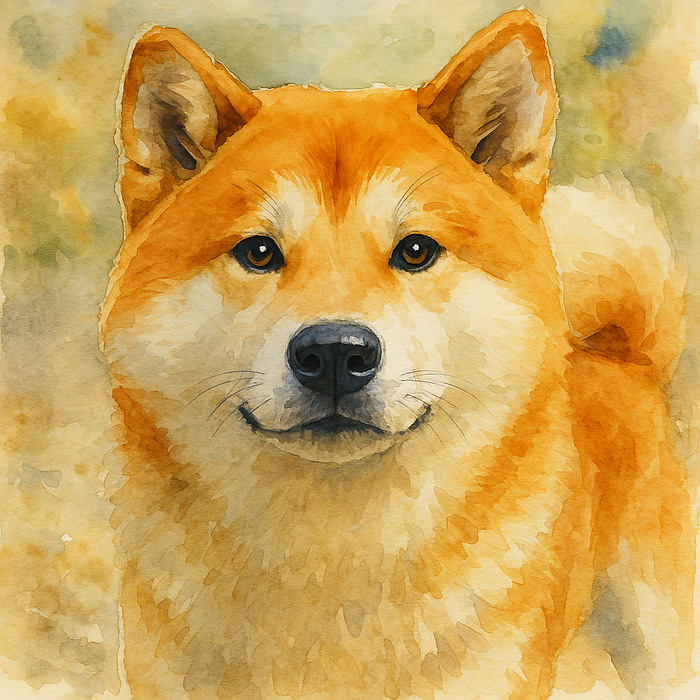
You can now upload your own photos and tweak them with stunning results. Want to turn a selfie into a watercolor? A family picture into an anime-style illustration? Done.
Example Prompts:
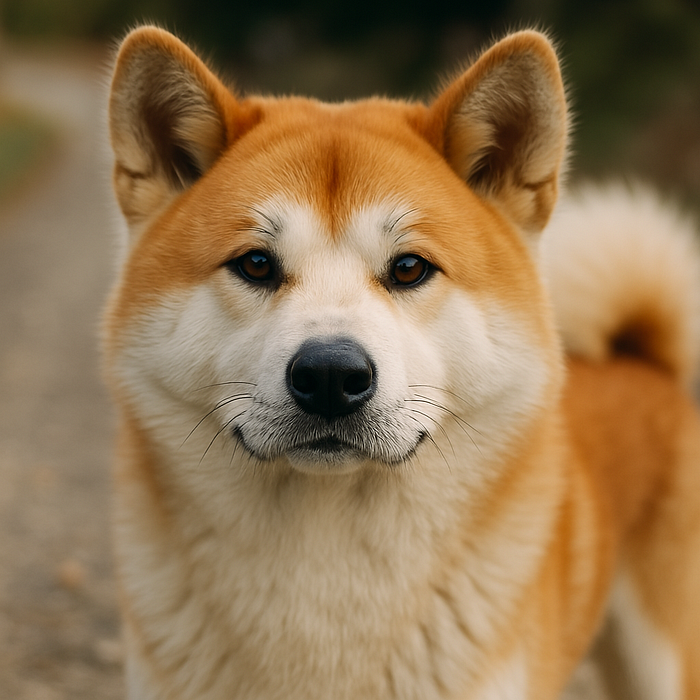
- "Turn this image into a watercolor painting."
- "Make it look like a frame from a Japanese anime."
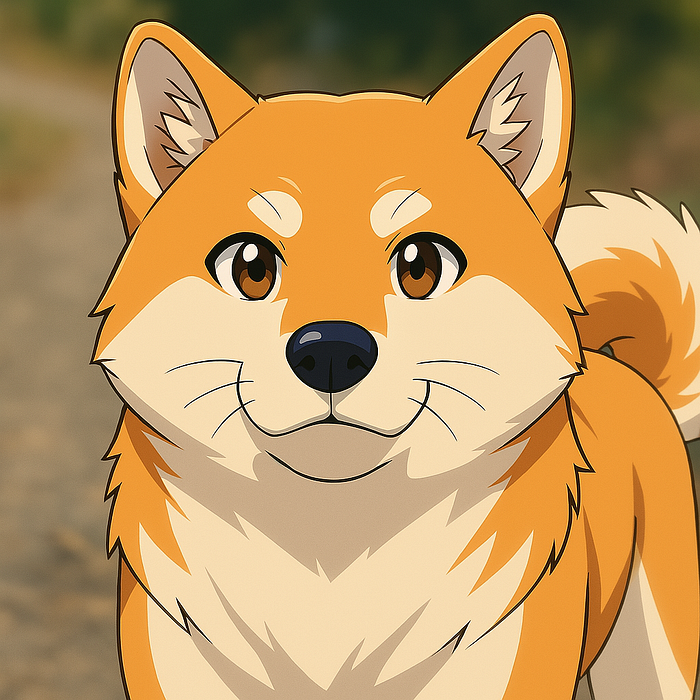
This kind of control used to require Photoshop skills. Now, it's just a prompt away.
4. Add Surreal Elements to Existing Photos
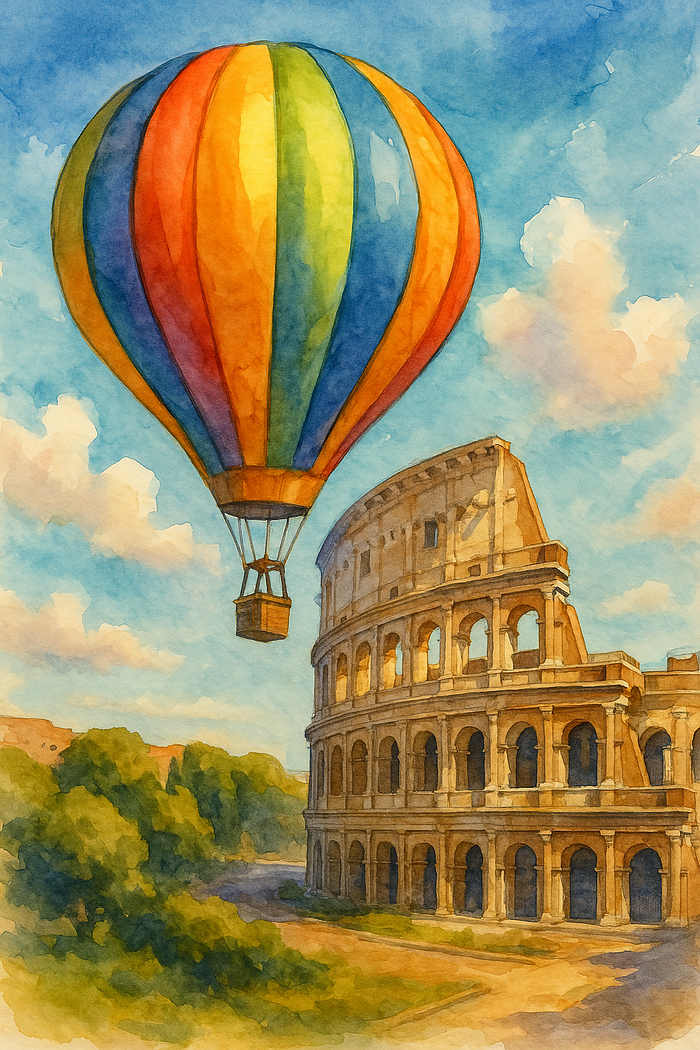
The AI doesn't just edit — it understands composition well enough to integrate new elements into existing scenes in creative ways.
Example Prompt Series:
- "Design a colorful hot air balloon flying over the Colosseum."
- "Overlay the phrase 'Rome from Above' in elegant lettering."
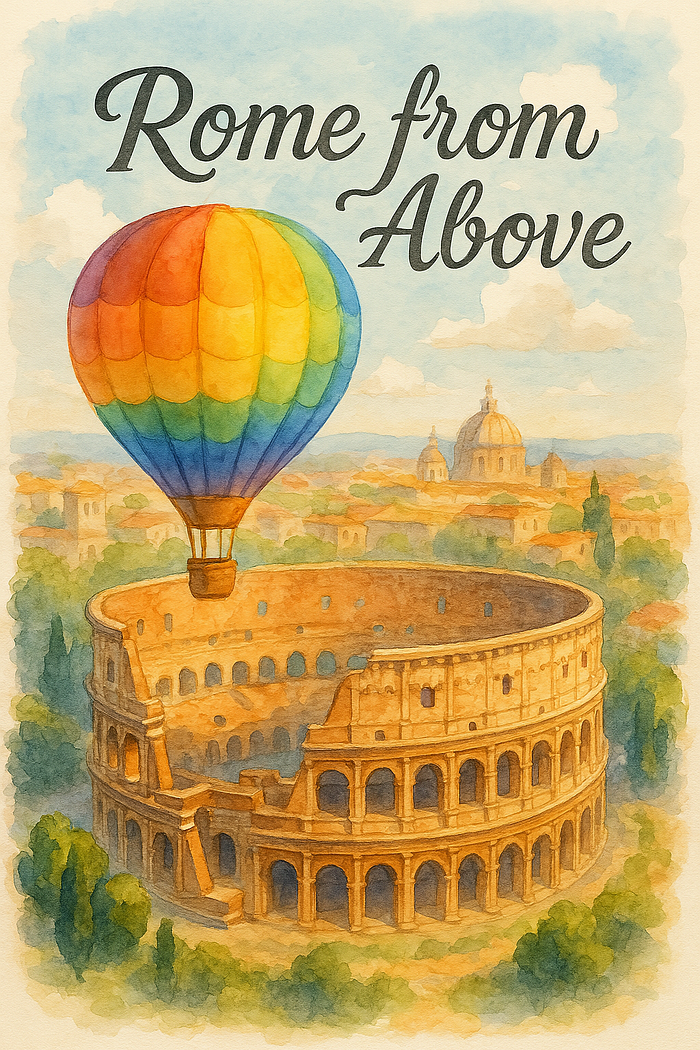
The visual blends are so natural you'll wonder if the photo was staged that way from the start.
5. Create Transparent PNGs and Stickers
You can now generate images with transparent backgrounds, perfect for merch, social media, or print-on-demand shops.
Example Prompts:
- "Create a sticker that says 'Pure Creativity' in pastel rainbow colors, with a transparent background."

- "Make a kawaii-style robot with cat ears and a backpack, PNG with no background."
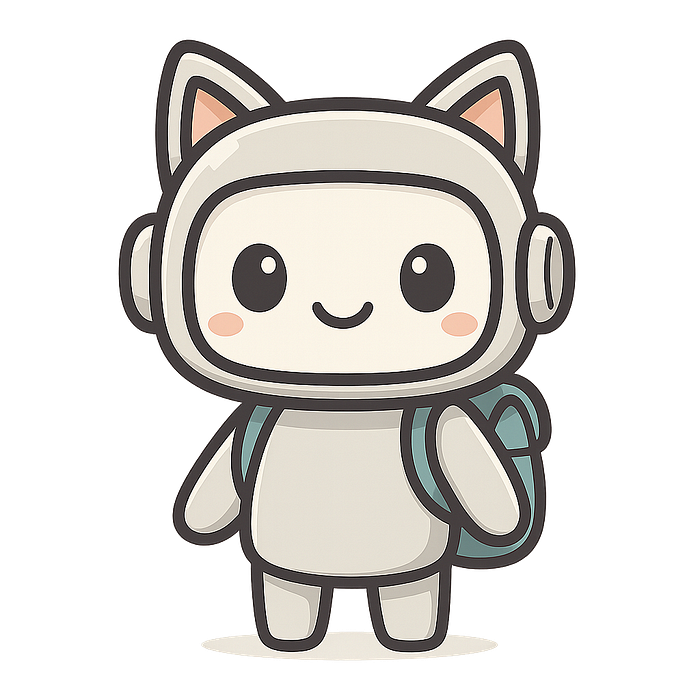
These are ready-to-use assets for websites, presentations, or even your next Etsy listing.
Final Thoughts This isn't just an upgrade. It's a shift. ChatGPT-4o is no longer just your writing buddy — it's your visual storytelling assistant, your poster designer, your meme generator, your character builder, and your merch creator.
And it works even if you speak to it in plain English (or even Italian) — no need to over-engineer your prompts.
If you haven't tried this yet, you're missing out on one of the most powerful creative tools of 2025.