
Dynamic forms are forms that change in real-time as people fill them out. They guide the user through the steps required to complete a form. Dynamic form designers can create forms that are data-driven and responsive to user inputs.
For example, questionnaires, can be very similar to one another and thus a dynamic form template can be created, based on metadata that describes the business object model. When the data model changes, the forms can then be generated automatically.
For Vuetify, I have found a couple of Form Builders that come handy. These are:
There is also a nice playground called VuetiForm
Above all else they are easy to use. Internally, after receiving the data model, the underlying component is built. To understand how this works, lets take a peek at the source code of the Vuetify-Form-Generator.

As noted above, for each specified form element, its type is determined and then depending on what type it is, the relevant component is rendered.
All the 3 form generators above come with very useful examples to get one bootstrapped on how to use them. I am still caught in-between the last 2 as they provide more advanced elements, however they work on the same premise. A schema to define the components and a v-model to return data-bindings for the input components.
I on the other hand, needed something different that could meet some of my needs. What I found for the builders above was that they did not have some components i needed, for example, v-image, v-avatar, v-icon, v-button, because at times, within your v-form, you might also need to display content whilst also soliciting input from users.
Also by defining custom components, you can extend the functionality of the form builders, especially the vuetify-jsonschema-form which I played with the most.
For my use case, I needed something specific, to meet the needs of BANanoVuetifyAD3, so I created a custom component called VFlexDialog. For our tools, this works as both a v-dialog and a v-form respectively.
As you will note below, the forms below will have v-rating, v-progress-circular, some custom components like minus plus chips, headings etc. What I needed was a component that I can just feed a simple call, tell it to add a text field at row 4, column 2 in the Vuetify Grid. Here are the first tests of what its able to do.
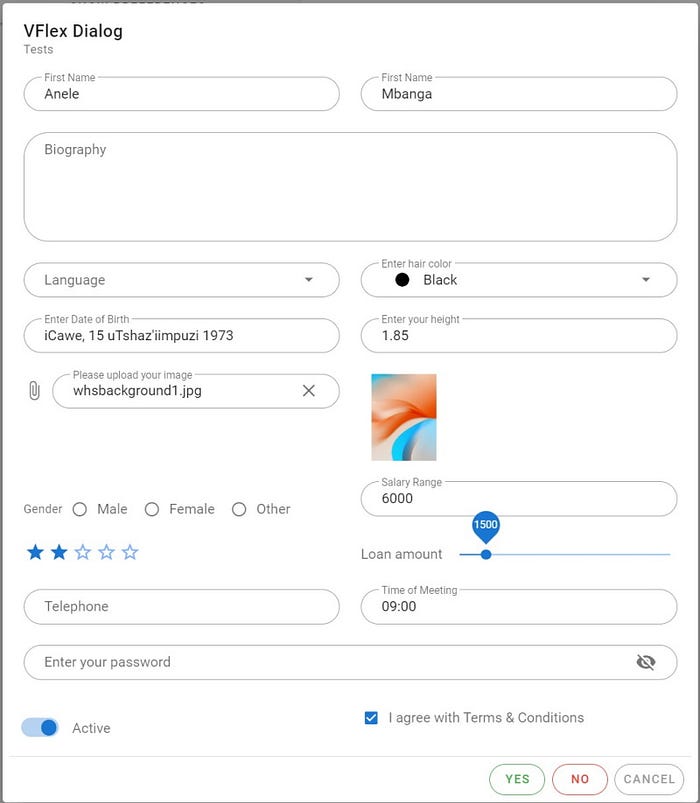
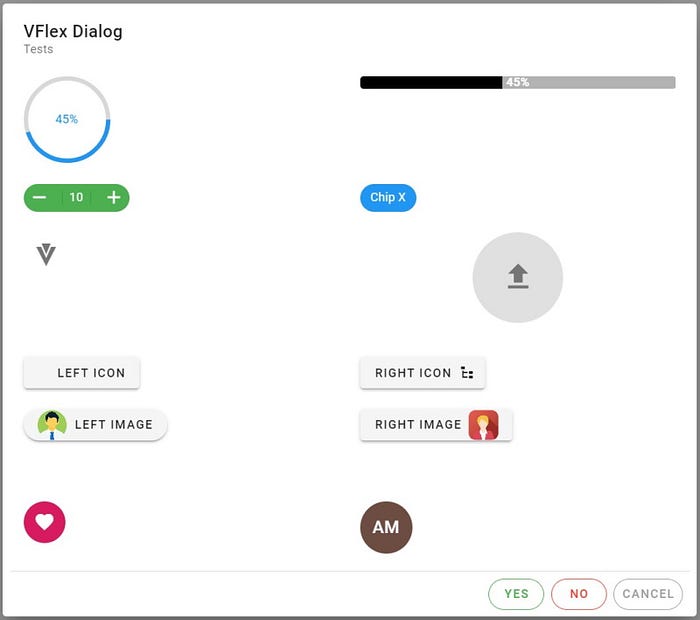
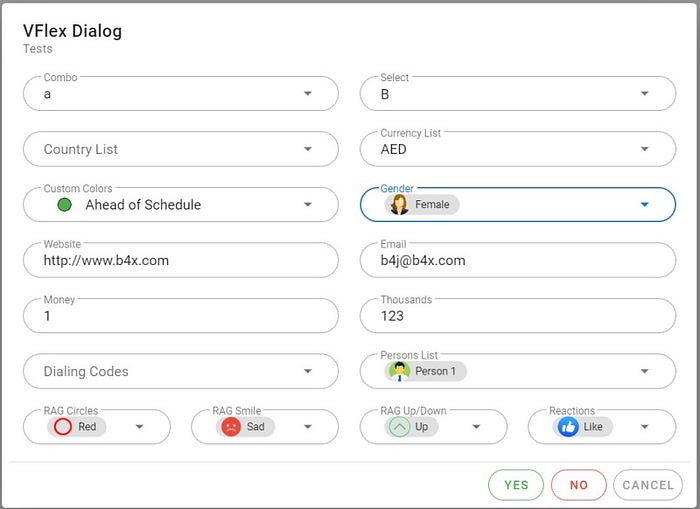
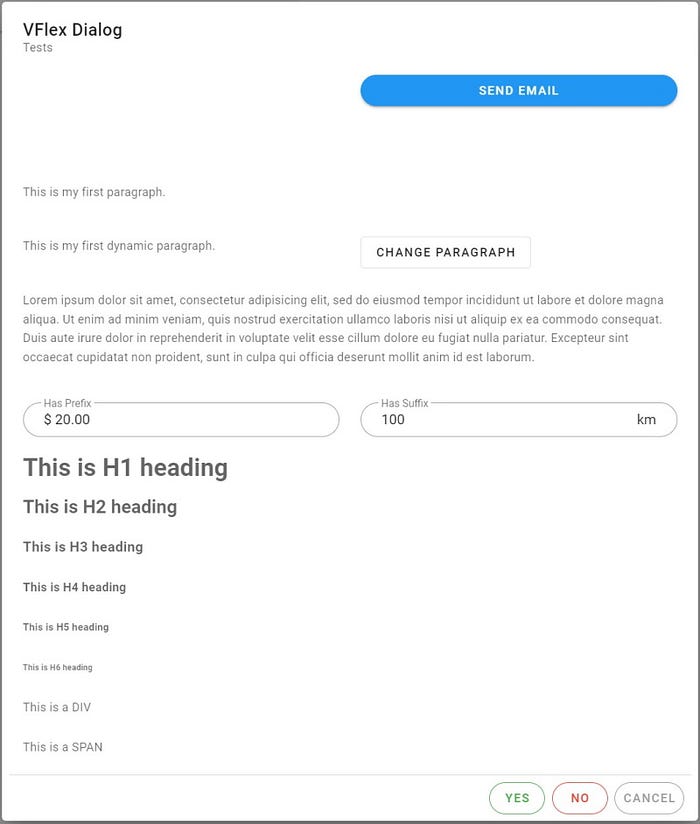
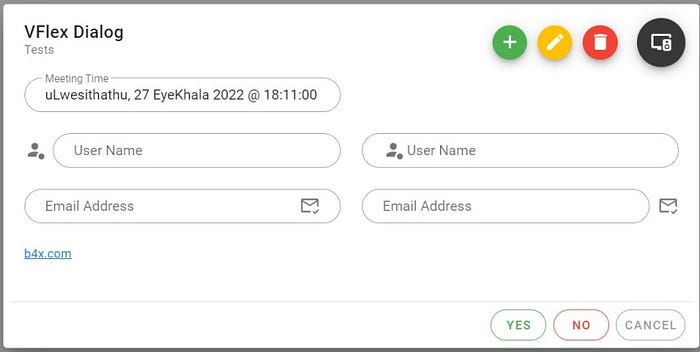
What I created today for a real life WebApp.
Whilst the above screen shots were tests of what the VFlexDialog does, I got to create a real life WebApp today using this code.
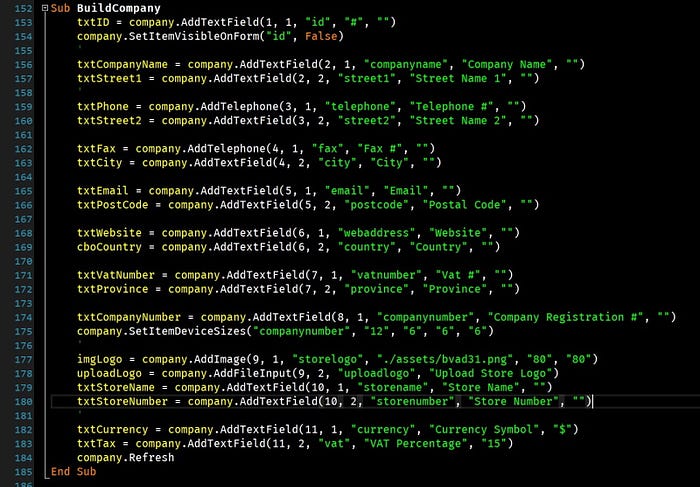
Producing this v-container which is built automatically by the component.
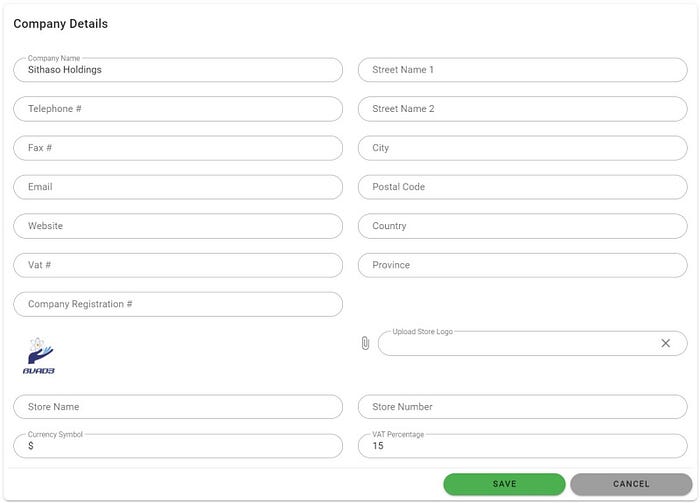
Some properties I set via an abstract designer like the "rounded" properties.
I hope the form builders pointed out would be useful for your projects.
Happy Coding.