
As a Snowflake developer, having the right tools can significantly enhance your productivity, streamline development workflows, and improve code quality.
Visual Studio Code (VSCode) is a powerhouse IDE, and with the right extensions, you can supercharge your Snowflake development experience.
Below is a curated list of VSCode extensions every Snowflake developer should have.
AI & Code Assistance
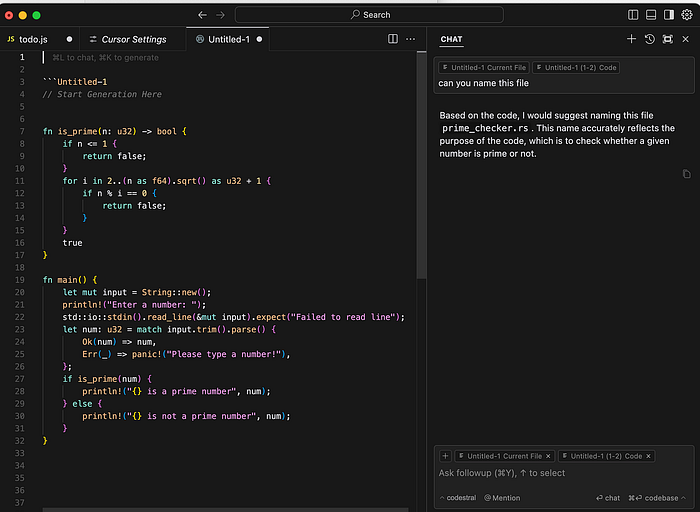
1./ Cursor — AI-Enhanced Coding for Snowflake Development
Cursor is an AI-powered extension that enhances code writing, making it easier to work with SQL, Python, and Snowflake-specific queries. With autocomplete, intelligent code suggestions, and explanations, it's a must-have for efficiency.
2./ Copilot — AI-Powered Code Assistance
GitHub Copilot provides AI-driven code suggestions, making it easier to write Python, SQL, and Snowflake queries with greater accuracy and speed.
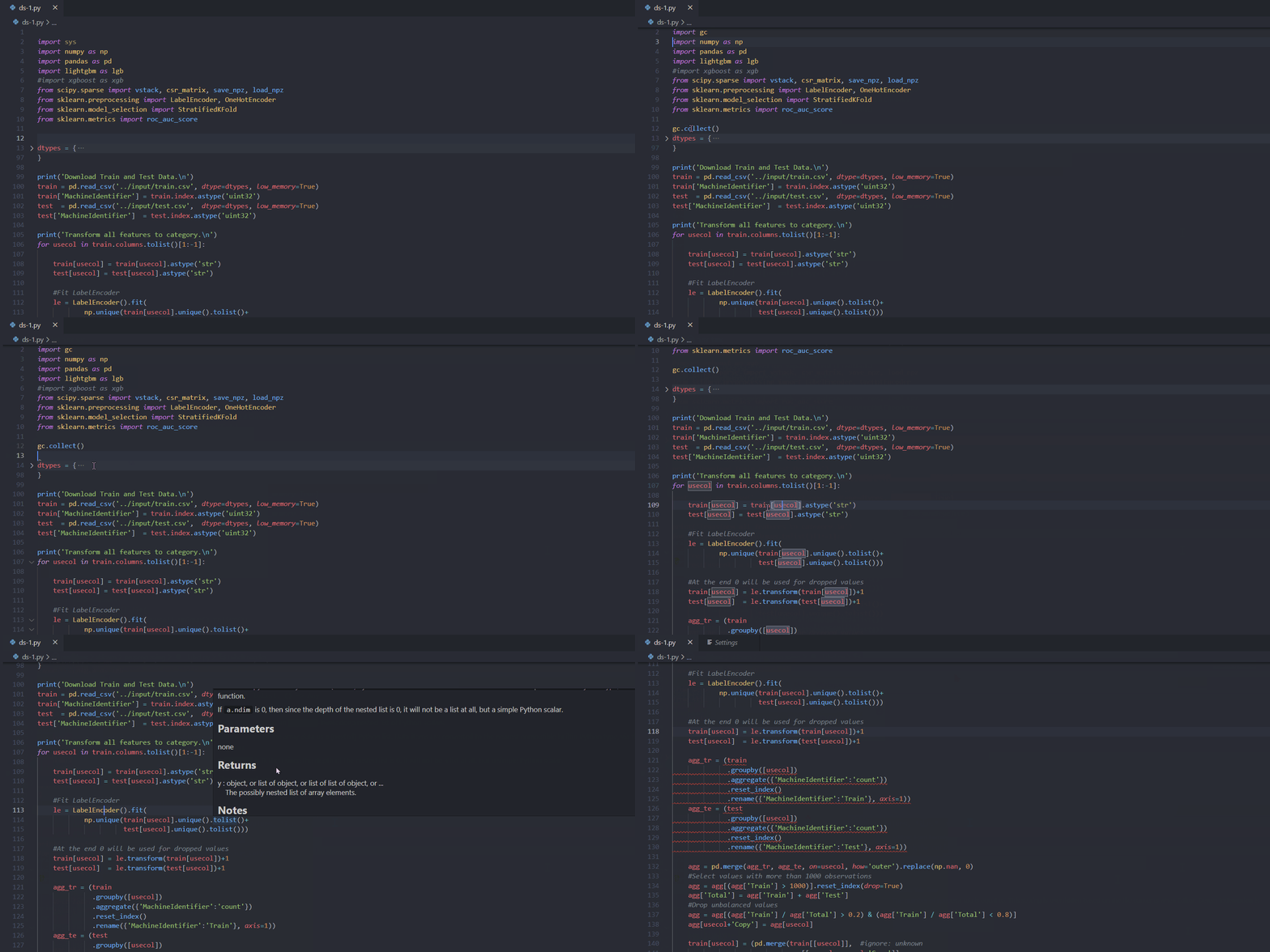
3./ Pylance — Python IntelliSense and Type Checking
For Python-based Snowflake development, Pylance offers intelligent type checking, auto-completion, and performance improvements when working with Python scripts.
Data Exploration & Processing
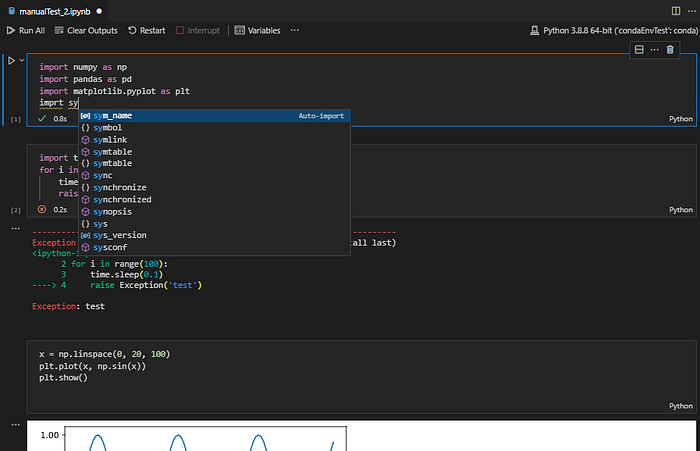
4./ Jupyter — Interactive Notebooks for Data Exploration
For Snowflake developers working with Python, Jupyter Notebooks are indispensable. The Jupyter extension in VSCode allows for interactive data exploration, testing queries, and executing Python scripts that integrate with Snowflake.
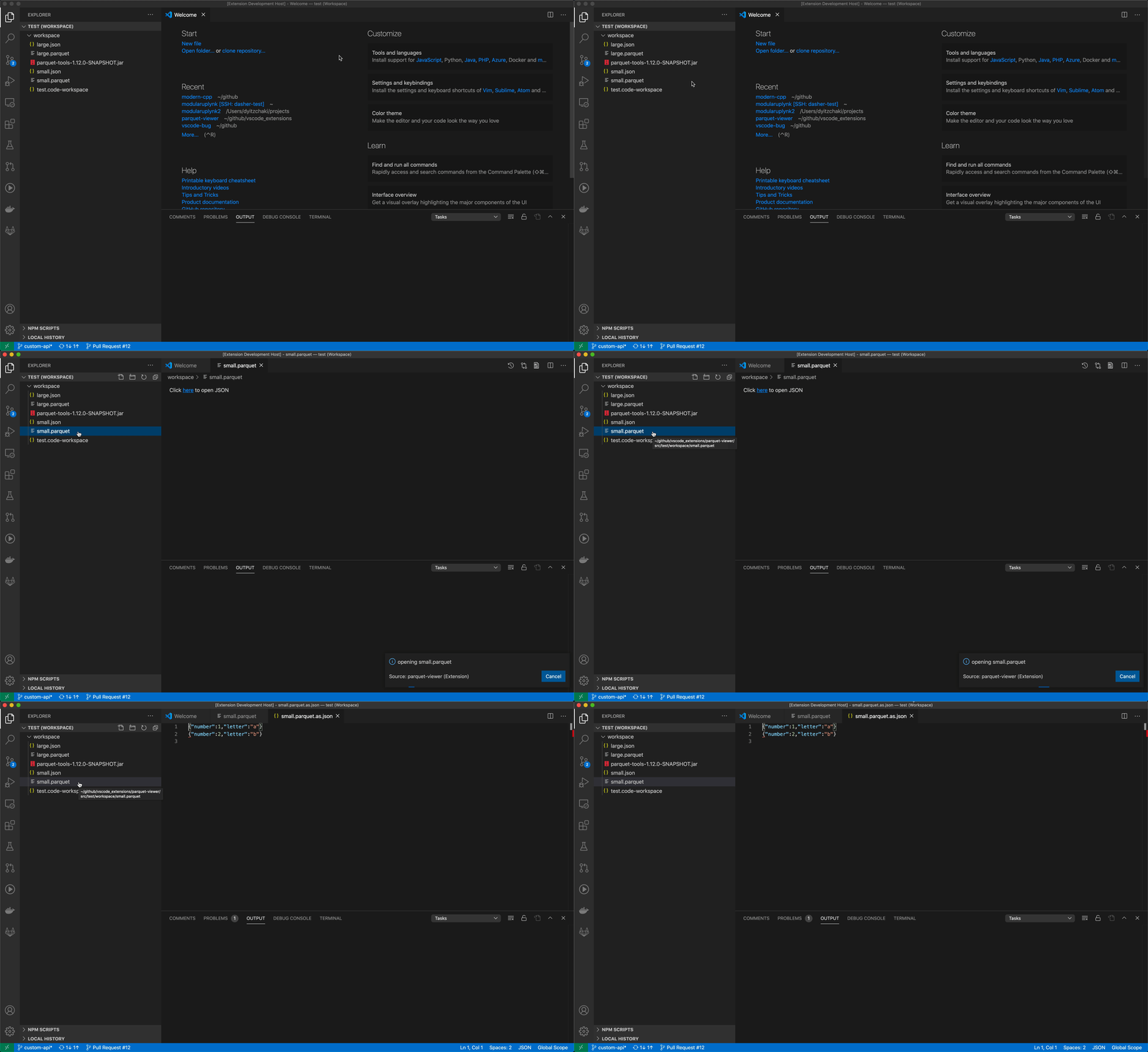
5./ Parquet Viewer — Seamless Parquet File Viewing
Parquet is a popular format for Snowflake data storage. This extension allows you to view Parquet files directly in VSCode, making data inspection and debugging much easier.
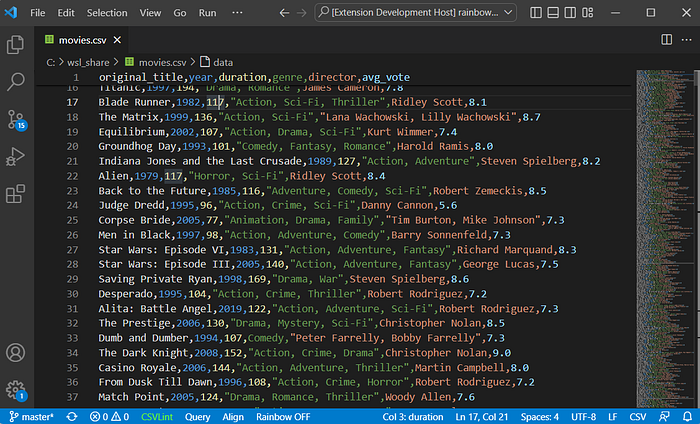
6./ Rainbow CSV — Readable CSV and TSV Files
Snowflake developers frequently work with CSV files for data ingestion. Rainbow CSV colorizes CSV columns, making them more readable and easier to work with.
7./ Data Wrangler — Data Cleaning and Transformation
Data Wrangler, powered by Python, enables quick data transformations, data profiling, and data cleaning tasks that are essential for Snowflake-based analytics.
Database & SQL Development
8./ Snowflake VSCode Extension — Official Snowflake Development Extension
The official Snowflake VSCode extension enables seamless Snowflake development with features like syntax highlighting, query execution, and database exploration directly within VSCode.
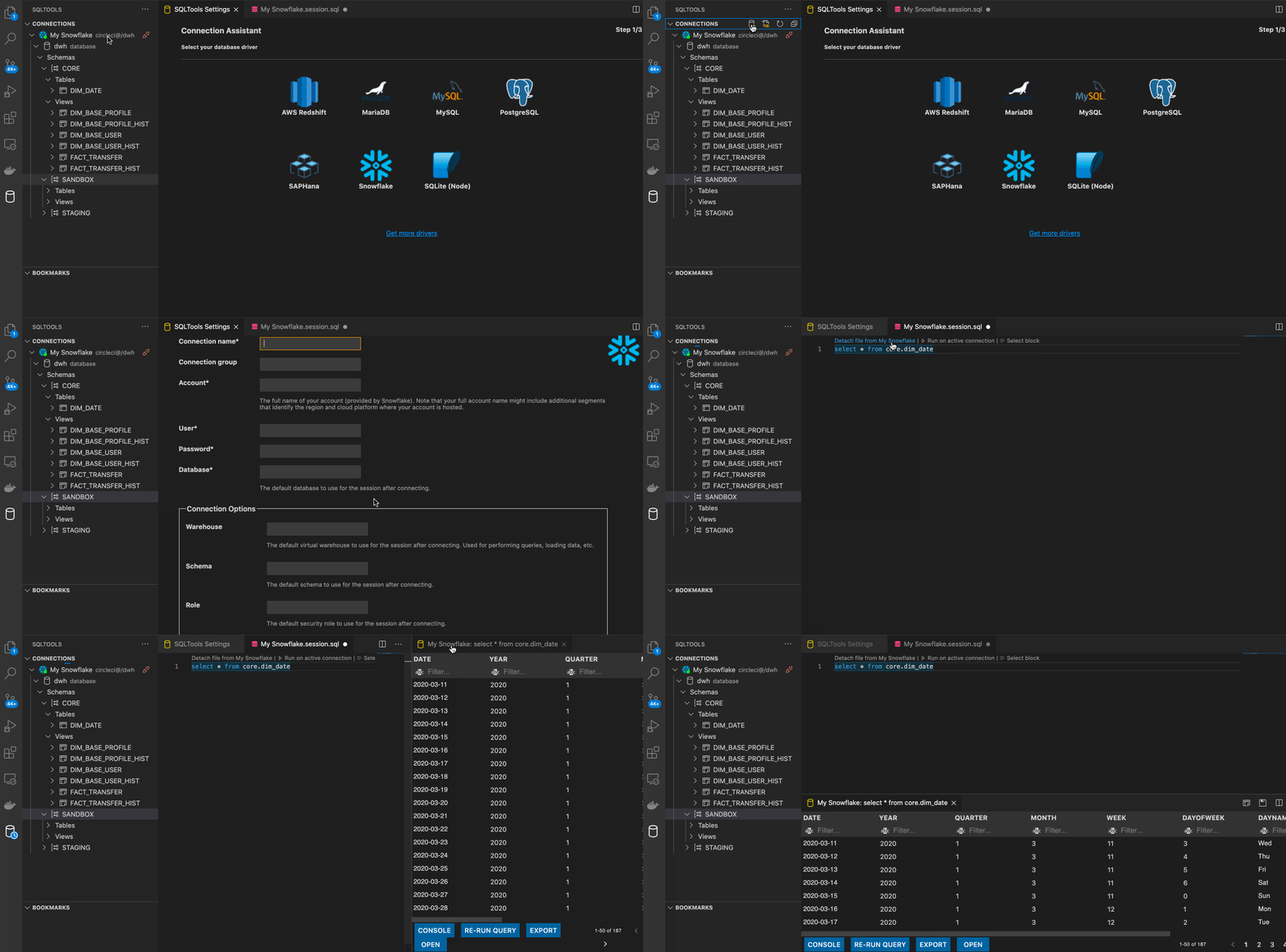
9./ SQLTools — Database Exploration and SQL Querying
SQLTools is an essential extension for writing and executing SQL queries directly in VSCode. It supports Snowflake connections, making database exploration seamless.
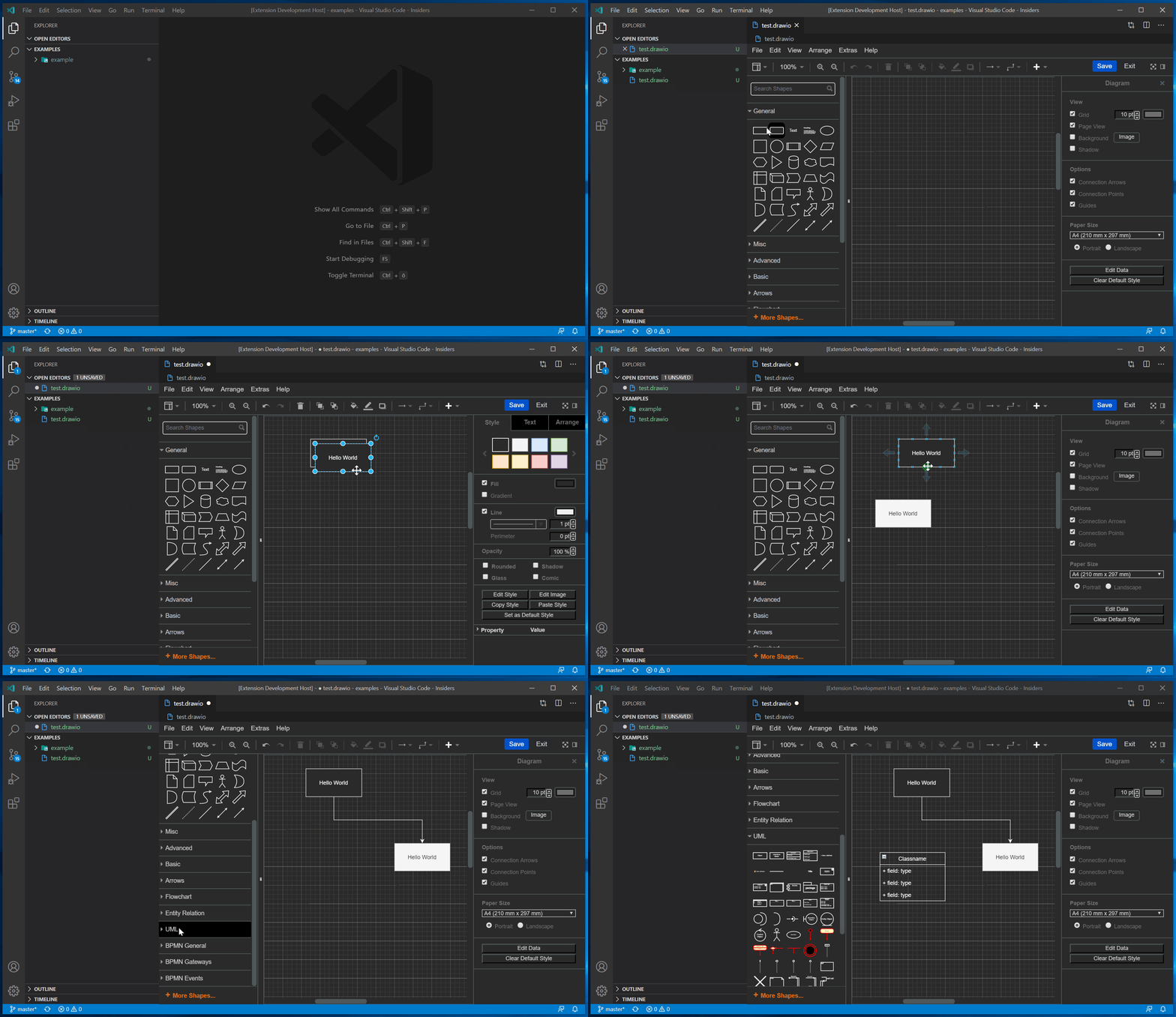
10./ Draw.io Integration — ERD and Diagram Visualization
This extension enables developers to create and manage entity-relationship diagrams (ERDs) directly in VSCode, helping with Snowflake database schema visualization and design.
Cloud & Container Management
11./ Docker — Environment Management and Containerization
Snowflake development often involves working with containerized environments for running scripts and services. The Docker extension for VSCode provides seamless integration for managing and orchestrating containers efficiently.

API & Integration Tools
12./ Postman — API Testing and Monitoring
Many Snowflake integrations involve APIs. Postman simplifies API testing and helps developers debug and monitor API interactions efficiently.

Code Quality & Best Practices
13./ Pylint — Python Code Quality and Best Practices
Ensuring code quality in Snowflake Python scripts is crucial. Pylint provides real-time linting, highlighting potential issues and enforcing best practices.
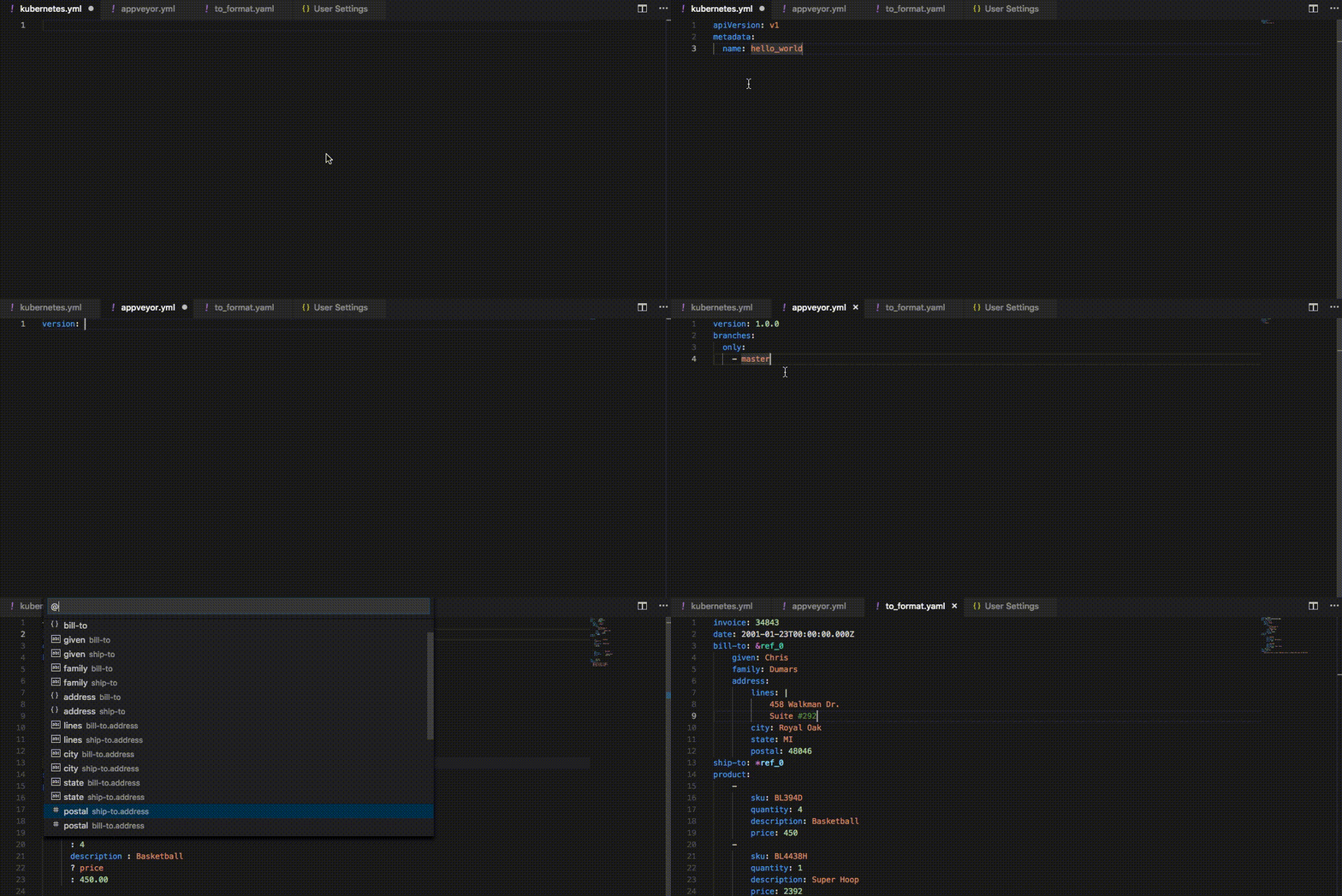
14./ YAML — Managing Config Files
YAML is commonly used for configuration files in Snowflake, such as dbt project configurations. The YAML extension provides syntax highlighting, validation, and autocompletion for efficient management.
Productivity & Collaboration
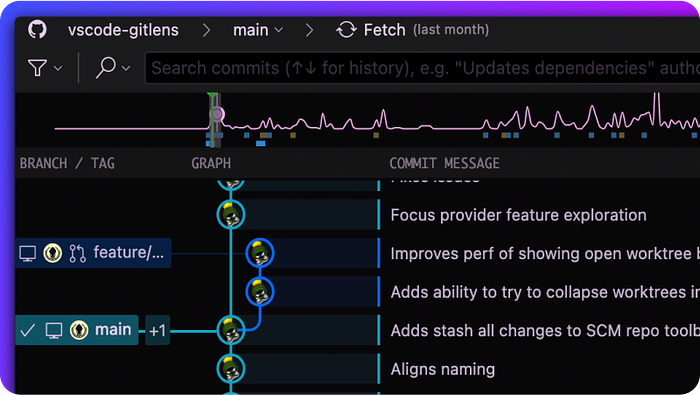
15./ GitLens — Git Integration and Version Control
Version control is critical for collaborative Snowflake projects. GitLens enhances Git functionality in VSCode, providing powerful insights into code changes and collaboration history.
16./ Live Share — Real-Time Code Collaboration
For team-based development, Live Share enables real-time collaboration, allowing multiple developers to work on Snowflake scripts simultaneously.
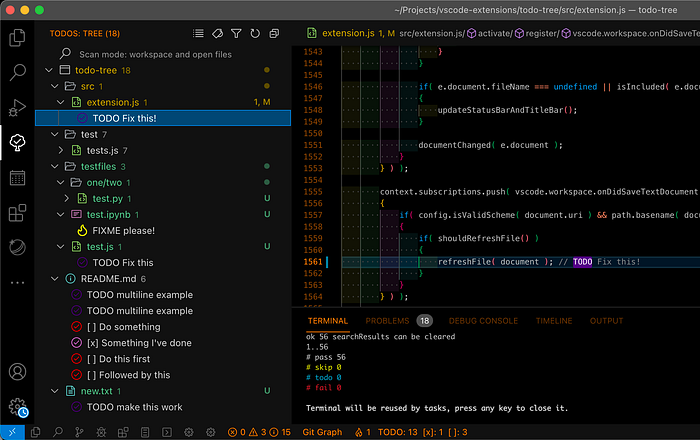
17./ ToDo Tree — Managing Tasks in Code
ToDo Tree helps developers keep track of pending tasks and notes within their code, ensuring better organization and productivity.
18./ CodeSnap — Beautiful Code Snippets
CodeSnap makes it easy to take beautiful screenshots of your code for documentation, presentations, and social sharing.

Code Readability & Formatting
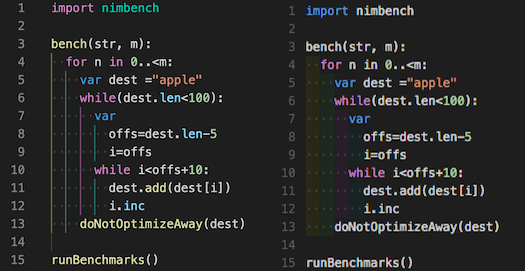
19./ Indent-Rainbow — Cleaner, More Navigable Code
Helps improve code readability by colorizing indentation levels.
20./ Markdown All in One — Enhanced Markdown Editing and Formatting
Enhances Markdown file editing with auto-preview, shortcuts, and table of contents generation.

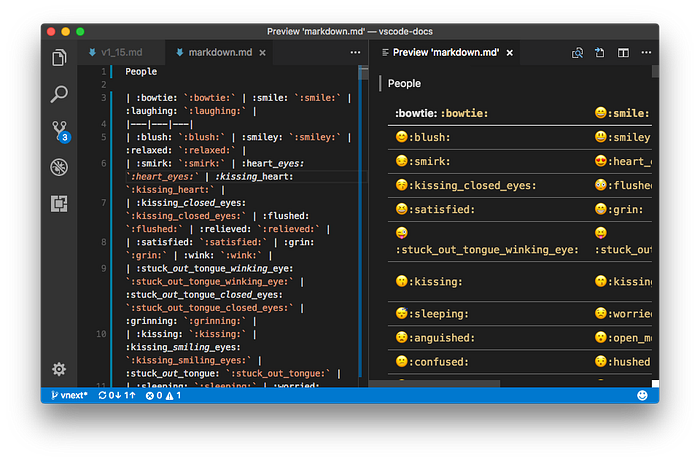
21./ Markdown Emoji — Adding Emojis to Markdown Files
Allows the use of emojis within Markdown documents, enhancing readability and engagement.
Data Visualization & Dashboards
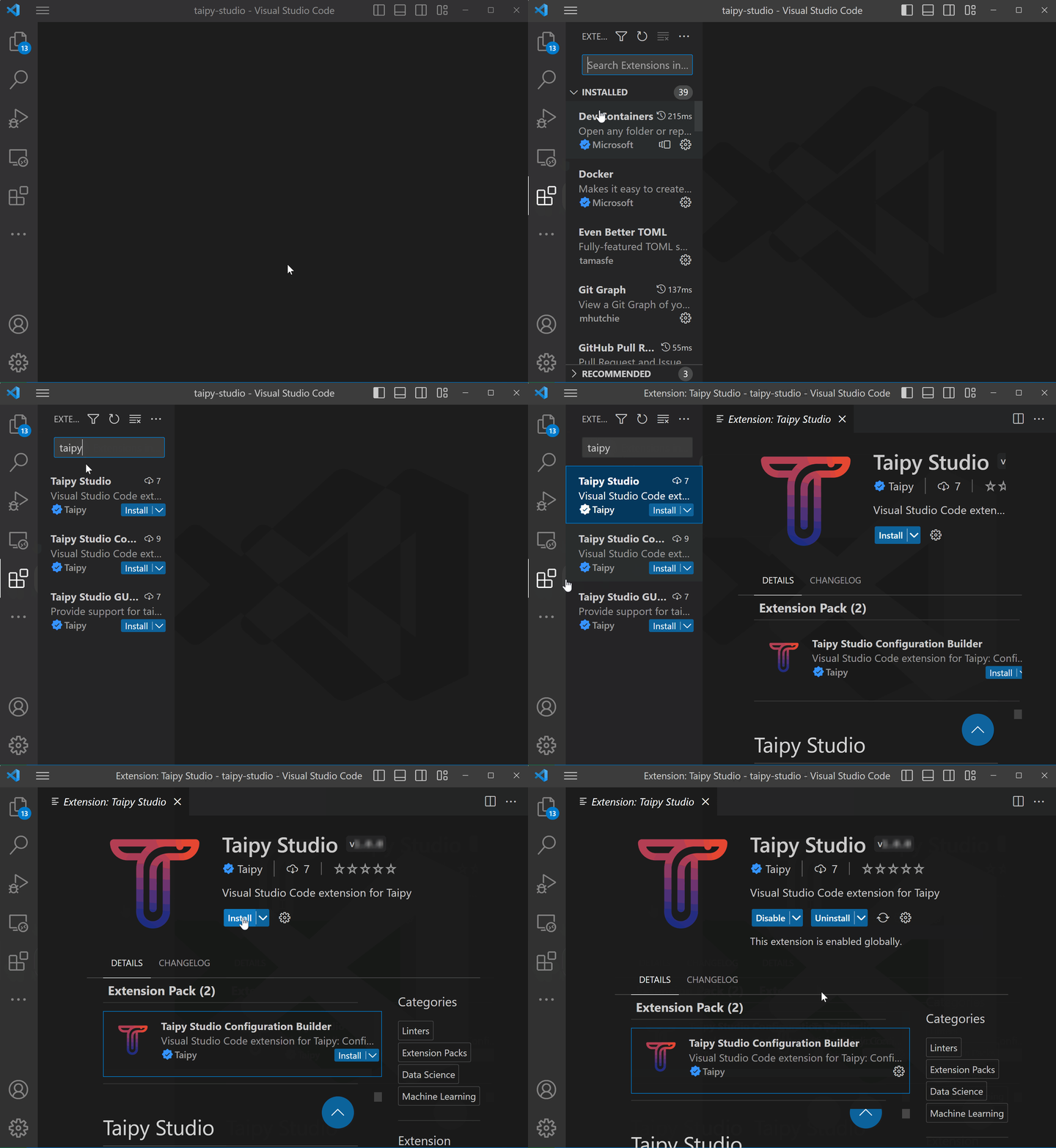
22./ Taipy Studio — Interactive Dashboards & Data-Driven Apps
Helps in creating and managing data-driven dashboards within VSCode.
Final Thoughts
These VSCode extensions significantly improve Snowflake development workflows, enabling better productivity, code quality, and collaboration.
Whether you're working with SQL, Python, APIs, or cloud-based integrations, these tools will help you optimize your Snowflake projects.
Try them out and tailor your VSCode setup to fit your Snowflake development needs!
Read this Next:
Hello and welcome! Thrilled you're here. We share insights on Data, AI, Tech trends, and the Future. Thank you for being a part of this community!
🙏 Before you go: If you found value in this post, please clap and follow to stay updated! 👏
Discover more handy projects at: Fru.dev