

Intro
Hacking is not just about attacking; it's not limited to red teaming options. Blue team or protection strategies should also be considered. No matter how great our attack is, if we forget to protect ourselves, everything can go awry quickly.
This short tutorial aims to help you secure your WhatsApp from spies — well, not just spies, but anyone who has no interest in your privacy. The idea came to me when I had to project my device to others. Imagine opening your WhatsApp chat, and your conversation with friends is noticed by all participants. How embarrassing, isn't it?
Tutorial
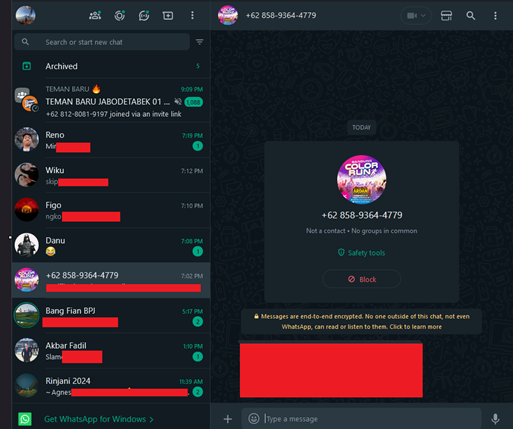
From that experience, let me share some quick tips to protect your privacy. Here's my WhatsApp Web before implementing security. Sorry, I had to censor it for privacy 🙂. As you can see, everyone could view it as plaintext, posing a security problem. We never know when we might make mistakes, so prioritizing protection is crucial.
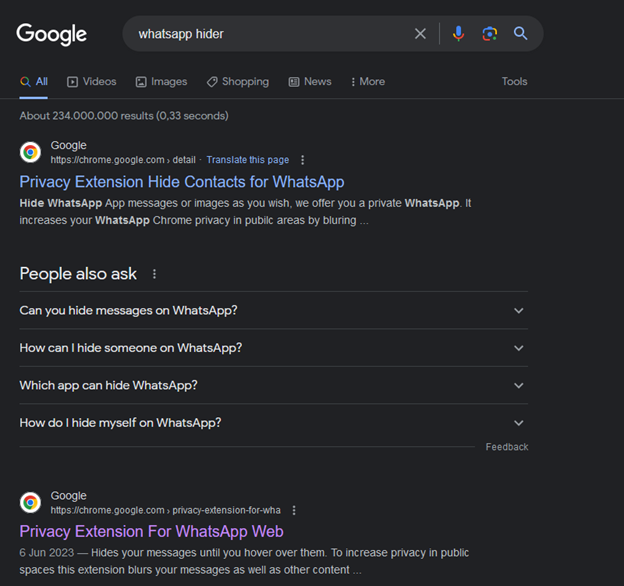
I didn't know the names of the extensions initially, so, with my innocence, I searched for "WhatsApp hider" on Google and found something like this:
Fortunately, I found one called "Privacy Extension For WhatsApp Web." It's good but has a downside: it's designed for Google Chrome, and my browser is Mozilla Firefox. 😒
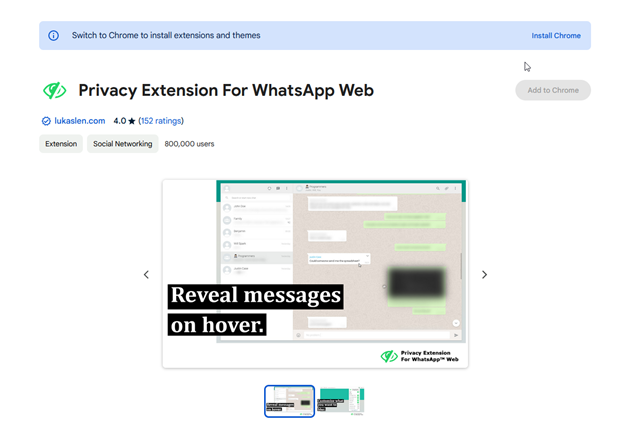
No worries, knowing the name makes everything easier. I searched for the extension's title on Google, and though Chrome results came first, I found Firefox add-ons, specifically "Privacy Extension For WhatsApp Web" by Lukas Lenhardt. It has a 4.8-star rating, so without much thinking, I added it to my browser.

After a few moments, a pop-up appears in the top right corner of the browser, asking if we want to add the add-ons. Since it needs access to web.whatsapp.com data and the browser tab to protect our data, we click "Add to Firefox".
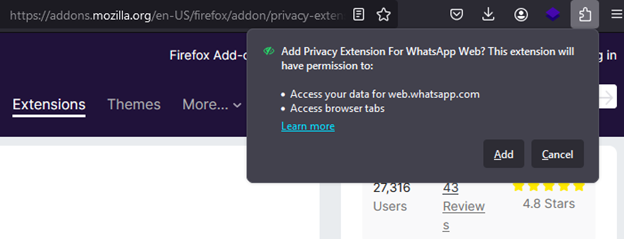
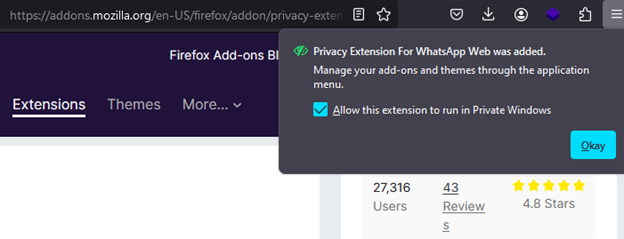
You may be asked if you want to add it to your private browser. I just added it, in case I am using it in the future.
Tadaaa! Here is the WhatsApp visual after the add-ons are installed.
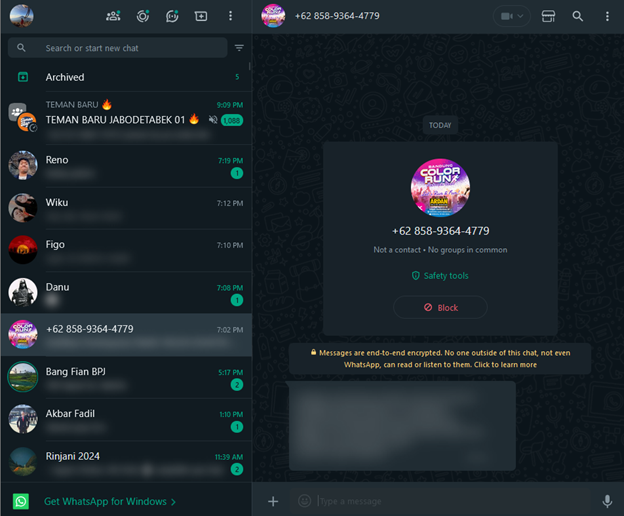
Don't worry you could read the messages, by hover over them.

Conclusions
Finally, protecting means securing every border accessible to attackers, with or without our consciousness. By implementing this, I hope you gain insights from it. Thanks for reading.