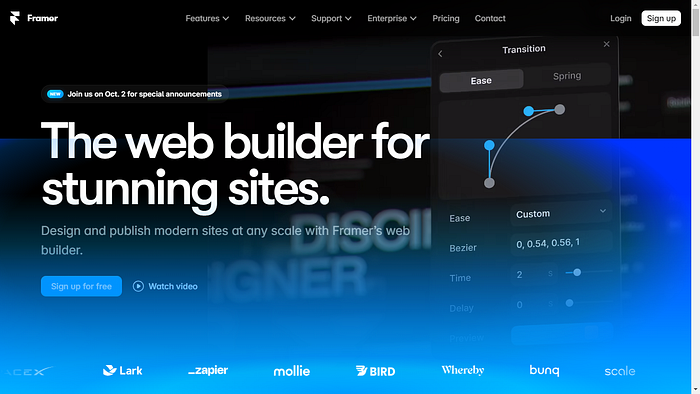

Framer.com : The Secret Behind the Latest AI Trend in World-Class Website Design That Not Many People Know About! Fast, Easy, and Amazing Results
Hey, do you know Framer.com? Not Just an Ordinary Prototyping Tool, Bro!" How do you create a website design that is not only cool to the eye, but also interactive and makes people want to hang around for a long time? Maybe you've tried Figma, Adobe XD, or Sketch, but there are still others make 'how can I make it more WOW?'. Well, listen to this, bro: Framer Yes, Framer used to be just a tool for prototyping. Now, you'll be amazed, Framer has evolved into a design platform that can create websites complete, from the beginning to live online! If you are serious about the world of design, this could be a game-changer for you. Many world-class designers have started moving to Framer.com, and you will understand why after reading this article Come on, let's dissect them one by one and see how this tool can help you jump from an ordinary designer to a top tier designer.
Getting to Know Framer.com: More Than Just a Prototyping Tool
A Brief History of Framer.com: Evolution of a Design Powerhouse
When you hear the name Framer, you might think it's just another prototyping tool in the sea of many design apps. But Framer has come a long way since it first launched. Originally created as a simple tool for building interactive prototypes, Framer has since evolved into a full-fledged design platform that empowers designers to create highly interactive, fully functional websites and applications.
What started as a solution for designers to prototype animations and transitions has now transformed into a comprehensive platform where designers can build complete user interfaces, directly integrate code, and even deploy websites. Yes, Framer today is more than just a prototyping tool — it's a design platform that combines ease of use with powerful interactivity.
How Framer Stands Out from Other Design Tools
You're probably wondering, "Okay, but how is Framer different from Figma, Adobe XD, or Sketch?" Here's the deal: while Figma and Sketch excel at collaborative interface design, Framer shines in its ability to integrate interactivity and coding capabilities directly into the design process.
Where tools like Figma focus on static design or light interaction, Framer allows designers to take it further with advanced animations and seamless transitions. The key differentiator? Framer's code-based approach. You can write and customize code inside Framer, making it perfect for designers who want to push the boundaries of what's possible. And with features like Framer Motion, you can create stunning animations without breaking a sweat.
If you're looking for something more than just static screens or basic interactions, Framer gives you the power to build complex, dynamic designs that feel more like the real product.
The Fundamentals of Framer: Layers, Components, and Interaction
Framer's design environment might look similar to other tools, but its magic lies in how it handles components, layers, and interactions. Imagine having every single layer of your design fully interactive. You can create complex user experiences by connecting components through predefined actions or custom code.
The learning curve can be a bit steeper than some other tools, but once you get the hang of it, the possibilities are endless. Framer doesn't just let you create; it gives you control over every interaction, every transition, and every micro-interaction that makes the user experience delightful.
Key Features of Framer
- Code-Based Design: Unlike other tools, Framer allows you to directly write code within the design interface. This feature opens up new levels of flexibility, making it easier for designers who are familiar with HTML, CSS, or JavaScript to build complex designs.
- Component Library: Framer comes with a built-in component library, making it easy to drag and drop UI elements to speed up your design process. Plus, you can create your own custom components to reuse across multiple projects.
- Integration with Other Tools: Framer plays well with others. You can import designs from Figma, Sketch, or Adobe XD, then add the interactivity and animations that Framer specializes in.
- Export and Deployment: Once you're happy with your design, Framer offers a variety of export options. You can export to HTML, React, or even deploy directly to platforms like CodeSandbox. This means that you can go from design to development without the usual hand-off problems.
Framer.com Motion: Breathing Life into Your Designs
Introducing Framer Motion
One of Framer's most impressive features is Framer Motion, a powerful animation library that integrates seamlessly into Framer's design environment. Framer Motion enables designers and developers to create complex animations with simple, readable code.
It's one thing to create a static page that looks nice; it's another to make that page come to life with smooth animations. Whether it's a simple hover effect or a complex interaction triggered by user behavior, Framer Motion can handle it all.
Understanding Animation Concepts in Framer Motion
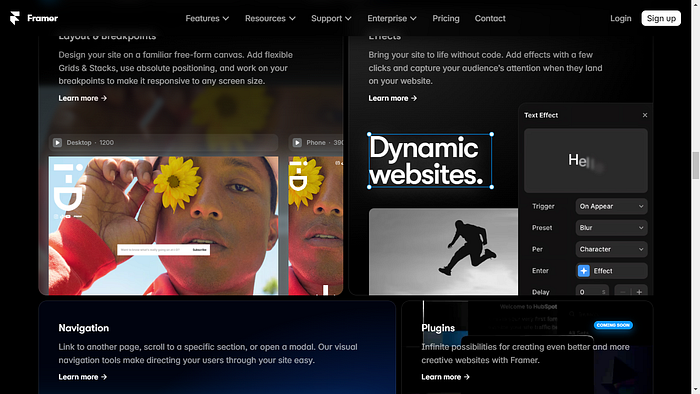
Animations in Framer Motion revolve around concepts like keyframes, easing, and timing. You can define keyframes, which are specific points in the animation, and ease between them to create smooth transitions. With these building blocks, Framer Motion allows you to build everything from simple transitions to more complex animations like parallax scrolling or hover effects.
Creating Simple Animations: A Step-by-Step Guide
Let's walk through an example. Imagine you want to create a fade-in animation for an image. Here's how easy it is in Framer Motion:
- Start by selecting the element (like an image) you want to animate.
- Define the starting and ending keyframes for the animation. For a fade-in, the opacity would start at 0 and end at 1.
- Use Framer's timeline interface or add a few lines of code to define the easing and timing of the animation.
Boom! You've created a smooth fade-in effect with just a few steps.
Building Complex and Interactive Animations
As you become more comfortable with Framer Motion, you can start experimenting with more advanced techniques. Try building a parallax scroll effect where different elements move at different speeds as the user scrolls through the page. Or create microinteractions that respond to user input, like hover animations or clickable buttons that animate when clicked.
Optimizing Animation Performance
No matter how beautiful your animation is, if it slows down your website, it's not worth it. That's why it's crucial to optimize performance when using animations in Framer. Keep animations smooth and lightweight by limiting the number of moving elements on the screen at one time and reducing the complexity of animations where possible.
Tips and Tricks for Framer.com Designers
Organizing Your Projects: Keep It Neat
One of the best things you can do to avoid headaches later is to keep your project files organized from the start. Set up folders for similar elements and name your layers logically. This is especially important if you're working on a large project or collaborating with a team. Good organization helps everyone understand the structure of the design and makes it easier to find elements later.
Best Practices for Interaction Design: Keep It Simple
Good interaction design doesn't have to be overly complicated. The best experiences are often the simplest. Don't overload your design with animations or interactions just because you can. Focus on creating intuitive, easy-to-use interactions. Make sure each interactive element provides clear feedback to the user, such as buttons changing color when hovered over.
The key is balance. Your interactions should enhance the user experience, not confuse or overwhelm them.
Using Framer Plugins: Unlock Extra Potential
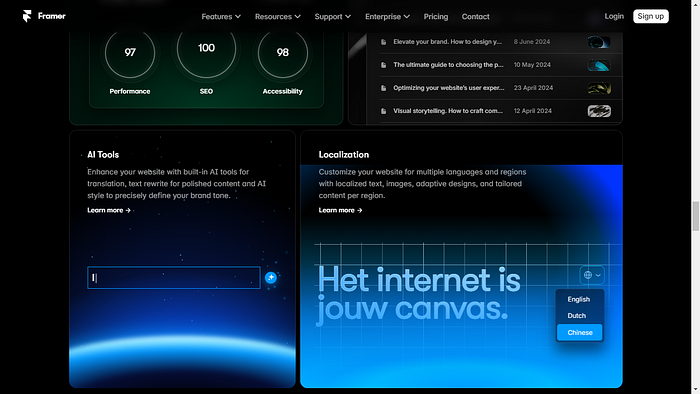
Framer has a variety of plugins that can extend its functionality. Whether you need to integrate Google Analytics, add custom UI elements, or improve SEO, plugins can save you time and enhance your project.
Plugins can be used to add functionalities like dark mode toggles, advanced animations, or even enhance workflow efficiency. They can really unlock new possibilities in your designs!
Collaborating with Teams: Designers and Developers Together
One of Framer's strengths is its ability to bridge the gap between designers and developers. With code-based design, you don't have to worry about your design getting lost in translation during handoff. Developers can take your design and use it directly in production without major alterations.
To make team collaboration even smoother, be sure to maintain clean naming conventions, document your components, and keep the design consistent across all layers and files.
Debugging and Troubleshooting: Don't Panic!
Even with the best tools, things can go wrong. But don't worry! Framer has a set of debugging tools that help you identify where an issue is coming from. Whether it's an animation that's not working as expected or an interaction that's broken, Framer's debugging features will help you fix the problem.
And if you ever get stuck, Framer's community on forums and Discord is always ready to help!
Case Studies: Successful Projects Built with Framer.com

1. Building an Interactive Portfolio
Many designers use Framer to build portfolios that aren't just visually appealing but also highly interactive. One standout feature is parallax scrolling, where background images move slower than foreground content as the user scrolls, creating a sense of depth.
With effects like these, designers can create portfolios that grab attention and leave a lasting impression.
2. Designing Interactive Mobile Apps
Framer is not limited to websites; it's also a powerful tool for mobile app design. Teams use Framer to create interactive prototypes for mobile apps, giving stakeholders a near-realistic experience of how the final app will function.
Imagine designing a fitness app prototype that features animated workout demonstrations. These kinds of experiences go far beyond static wireframes and leave a lasting impact.
3. Creating High-Converting Landing Pages
The best landing pages are not just visually striking — they're interactive, engaging, and make users want to take action. With Framer, designers can add smooth animations, transitions, and microinteractions that make the user experience more dynamic.
These subtle touches can significantly improve user engagement and, ultimately, conversion rates.
Framer.com for Developers, Monetization, and the Future
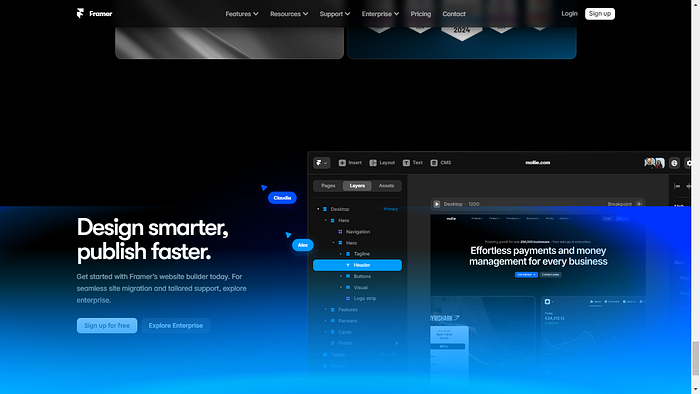
Framer for Developers: The Bridge Between Design and Code
Framer is a dream for developers. With code-based design at its core, developers can export directly to React or HTML, cutting down on back-and-forth between design and development teams.
This unified workflow makes Framer ideal for developers who want to maintain design consistency while building out complex applications.
Monetizing Framer Skills: Opportunities for Designers
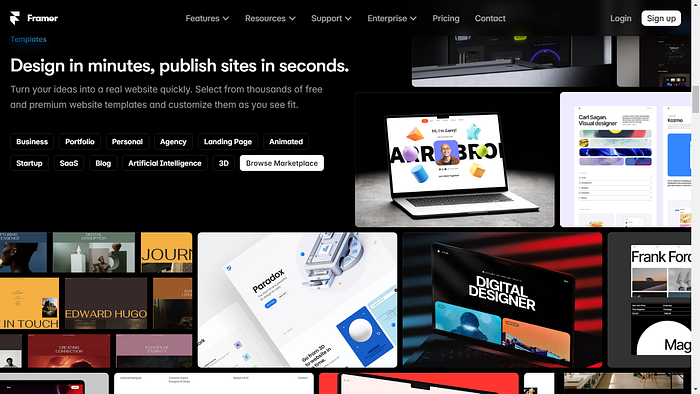
If you're a Framer pro, there are plenty of ways to monetize your skills. You can create and sell Framer templates or custom components on the marketplace, or offer your services to design interactive websites or prototypes for clients.
The Future of Framer: What's Next?
Framer isn't just a tool of today — it's built with the future of design in mind. As the line between designers and developers continues to blur, tools like Framer will play an even more crucial role in bridging that gap. With the rise of Web3 and more interactive, immersive online experiences (think AR/VR), Framer's capabilities could expand to allow designers to create experiences we can't even imagine yet.
Framer Motion, in particular, continues to develop rapidly, with new features being rolled out that allow for even more control over animations and interactions. In the coming years, we can expect to see Framer push the boundaries of what's possible in design, making it a go-to tool for cutting-edge projects.
Closing Thoughts: Ready to Dive into Framer?
So, agan-agan, after diving deep into what Framer can do, one thing is clear: Framer is more than just a prototyping tool. Whether you're a designer looking to bring your concepts to life, a developer bridging the gap between design and code, or someone wanting to create a killer portfolio or landing page, Framer has something to offer. It gives you the creative freedom to build interactive, dynamic experiences without being constrained by the usual limitations of traditional design tools.
What's your next move? Why not give Framer a try and see how far your designs can go? Whether you want to create a jaw-dropping portfolio or a high-converting landing page, Framer has the tools to make it happen.
So, ente ready to level up your design game with Framer? Let's see what you can create!
Interactive Ending: Share your thoughts in the comments, gan! What do you think about Framer? Have you used it before, or are you planning to dive into it soon? Let me know your experiences, and feel free to ask questions — I'll be happy to help you navigate this awesome tool!