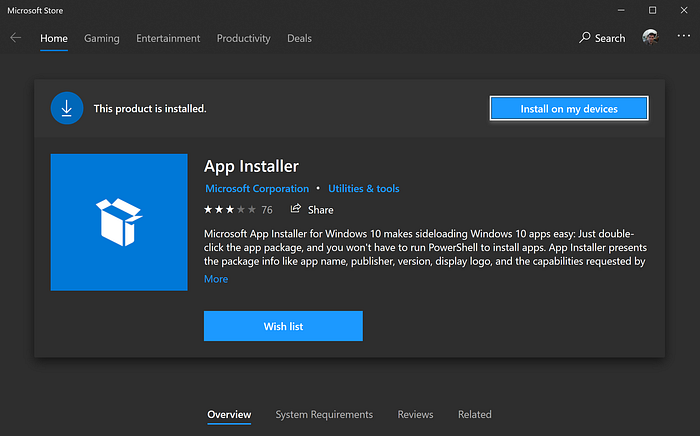

- Install App Installer in Microsoft Store
- Next thing - I opened PowerShell and install the fresh PowerShell Core and Windows Terminal
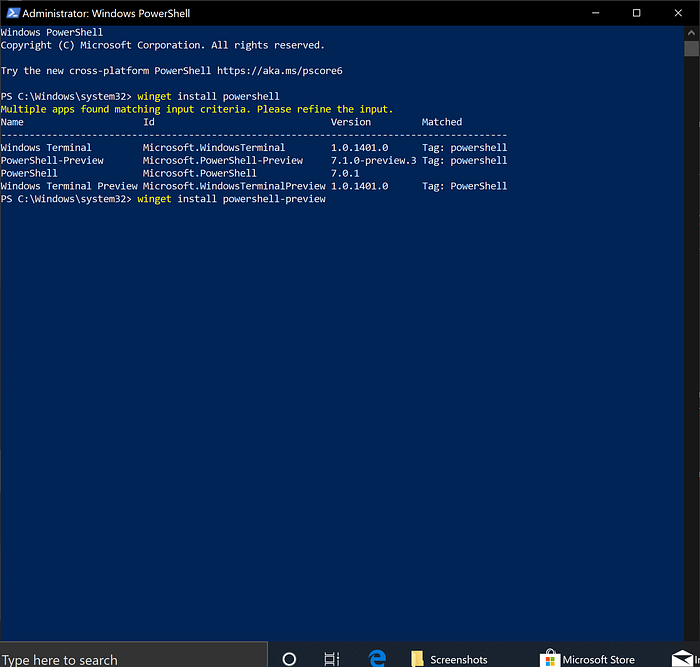
winget install powershell-preview
winget install microsoft.windowsterminalpreview- No reason to use old dusty PowerShell 5.1. So, I close it and use Terminal (naturally with PowerShell 7.1 under the cover)
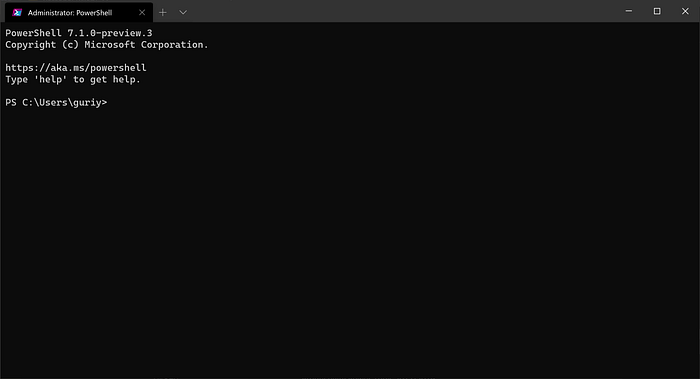
Now we talking!
- I'm dotnet developer after all. So, I couldn't live without .NET 6
winget install Microsoft.dotnet -e (e for exact)- Installing my note-taking app of choice (Joplin)
winget install joplin- Install JetBrains Products now days easier with JB Toolbox, so
winget install jetbrains.toolbox- And (because it's taking some time) let's install Visual Studio in a new tab at the same time
winget install Microsoft.VisualStudio.2022.Enterprise- Now I will install VScode (I need to edit text somewhere after all)
winget install Microsoft.VisualStudioCode- A little bit of source control
winget install githubdesktop- Web developer tools
winget install fiddler
winget install postman
winget install winscp- And tadah! — my favorite merge tool
winget install winmerge- The best archiver…
winget install 7zip.7zip- My favorite git GUI
winget install Sourcetree- My favorite grep utility
winget install dnGrep- Installing Microsoft.PowerToys
winget install Microsoft.PowerToys- Installing node.js
winget install nodejs- Now, the last but not the least Docker.
winget install Docker.DockerDesktopTroubles
- If some of the sources not working — try to explicitly tell winget there to go . F.i
--source winget- Some of my not so often used tool missing, because of not so smooth installation mechanism (like JustAssembly and JustDecompile — you couldn't download them using winget — link generating every installation and winget seems not get it right).
- Sometimes you cannot "just" install the tool you want. First, you need to find the full name with winget search. And it's a little bit annoying since I have a tendency to store command that I successfully used last time. But stored name after install command may not work…
Conclusion
Who would've thought that routine computer setting up will make me happy? But it did. Why? Because I made all the setting up using winget. Winget really makes work tools setting up fun and productive.
So, now you can bootstrap your tools installation process and enjoy a new shiny terminal at the same moment. Best of luck. Bye!
P.S.
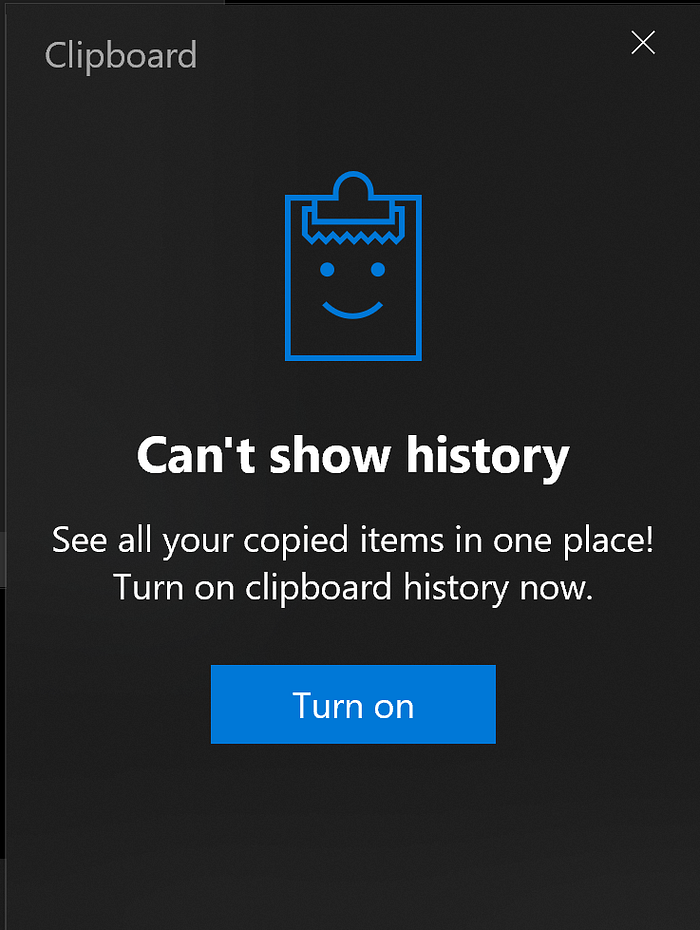
Don't forget to enable Clipboard (Win+V)
References