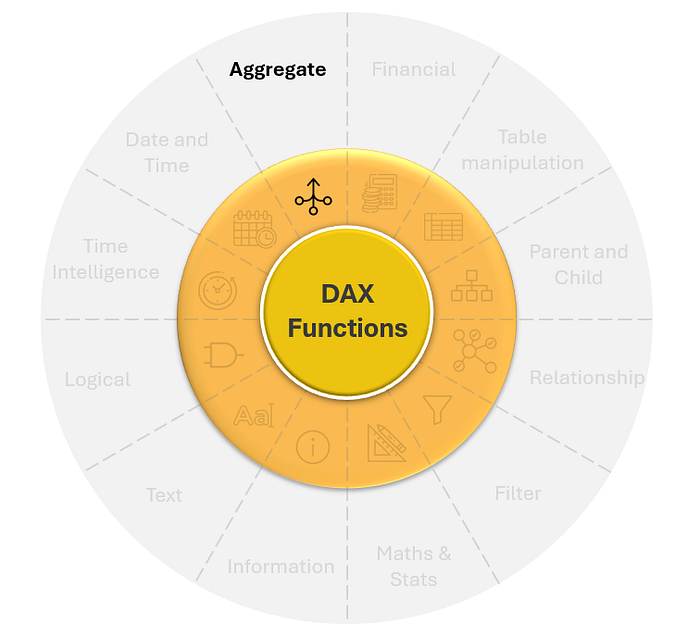


Aggregation functions in Power BI DAX can be broadly divided into two categories:
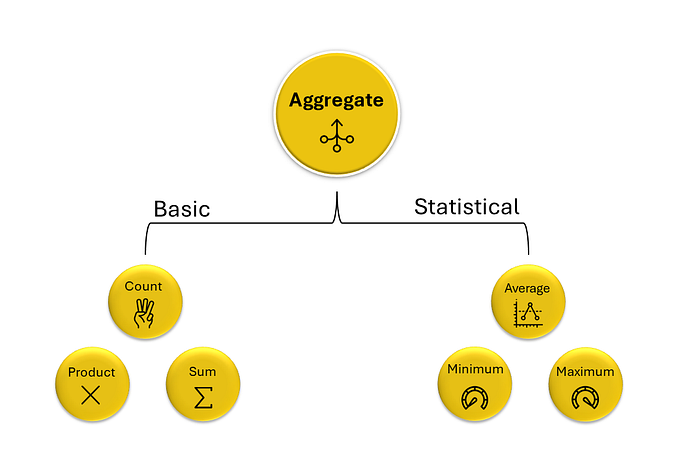
Basic:
- Count: Tallies the number of entries in a table or column.
- Product: Multiplies all values together.
- Sum: Adds up all the values in a column.
These basic functions are straightforward and used to get simple totals and products.
Statistical:
- Average: Calculates the mean value of a column.
- Minimum: Finds the smallest value in a column.
- Maximum: Identifies the largest value in a column.
These functions help in understanding the central tendency and range of your data, providing insights into typical values and extremes within your dataset.
Together, these functions allow for efficient data summarization and analysis.
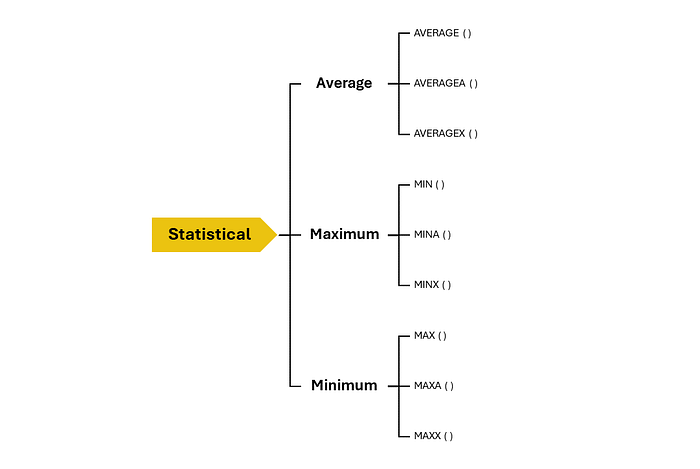
There are approximately 22 functions for aggregations alone as of July 2024. Below is the list:

Why So Many categories of Aggregation Functions?
You might wonder why Microsoft has created so many types of aggregation functions. The reason is that data in the real world is not always clean. There will often be blank values and a variety of data types like characters, integers, and Boolean values in a single column. To handle aggregations between these data types efficiently and accurately, a range of functions is created.
The letters "A" and "X" at the end of certain DAX functions, such as MINA and MINX, have specific meanings and are used to indicate how these functions handle data and calculations.
The "A" suffix in functions stands for "All"
- Function: Indicates that the function can handle non-numeric data types.
- Behavior: Evaluate both numeric and non-numeric values, treating non-numeric values as 0 in the context of numeric calculations. They also handle logical values (TRUE as 1 and FALSE as 0) and treat null values as 0.
This allows for consistent and error-free aggregation even when dealing with incomplete or messy datasets.

The "X" suffix stands for "Expression".
- Function: Functions with this suffix iterate over a table.
- Behavior: Evaluates an expression for each row and then performs the aggregation.
It helps to perform more complex calculations that involve multiple columns or require row-by-row evaluation.
By knowing the various types of functions, we can handle aggregations on a wide range of data types and perform complex calculations accurately and efficiently, making data analysis more robust and insightful. Each function will be explored in depth in the coming series.
Click below link for next part:
Don't forget to subscribe to
and join our Power BI community