DHCP (Dynamic Host Configuration Protocol) To access a network, we need an IP address, subnet mask, router and DNS server. Doing this manually can be tedious and prone to errors, this is where DHCP comes in. It automatically configures devices on the network, preventing address conflicts. DHCP operates at the application layer and relies on UDP ports 67 (server) and 68 (client).
I also learnt about the DORA process which are the steps DHCP follow:
- Discover — The client broadcasts asking for available DHCP servers.
- Offer — The server replies with an available IP address.
- Request — The client requests to accept the offered IP.
- Acknowledge — The server confirms the lease.
ARP (Address Resolution Protocol)
ARP bridges IP addresses (Layer 3) and MAC addresses (Layer 2). When two devices on the same network want to communicate, ARP helps one device find the other's MAC address.
An ARP Request is sent to the broadcast MAC address (ff:ff:ff:ff:ff:ff) asking "Who has this IP?"
The ARP Reply comes back with the device's MAC address, allowing direct communication.
ARP doesn't use port numbers since it operates at the data link layer and not the transport layer.
ICMP (Internet Control Message Protocol) ICMP is used for network diagnostics and error reporting. Two commands rely heavily on it:
- Ping: which tests connectivity to a target system and measures round-trip time (RTT) using ICMP Echo Request (Type 8) and Echo Reply (Type 0).
- Traceroute: Tracks the route or path packets take from your device to the target using the Time-To-Live (TTL) field.
The Time-To-Live (TTL) indicates the maximum number of routers a packet can travel through before it is dropped.
Routing When you send data (like loading a webpage), it doesn't just go directly from your device to the website. It passes through several routers that determine the best path. I learnt about a few routing protocols:
- OSPF(Open Shortest Path First) — which finds the shortest, most efficient path.
- EIGRP(Enhanced Interior Gateway Routing Protocol) —which is a Cisco's protocol that picks the best quality route not just shortest but also considring speed, delay and reliability.
- BGP(Border Gateway Protocol) — Used between large networks (like ISPs) to exchange routes globally.
- RIP(Routing Information Protocol) — One of the oldest and simplest protocols.It counts how many hops(routers) a packet passes through and selects routes with the fewest hops.
NAT (Network Address Translation) NAT solves the IPv4 address shortage problem. It allows multiple private devices to share one public IP when connecting to the Internet.
A NAT-enabled router keeps a translation table mapping internal and external IPs and ports. So, when your device sends a request to a web server, the router replaces your private IP with its public one and logs it in the table.
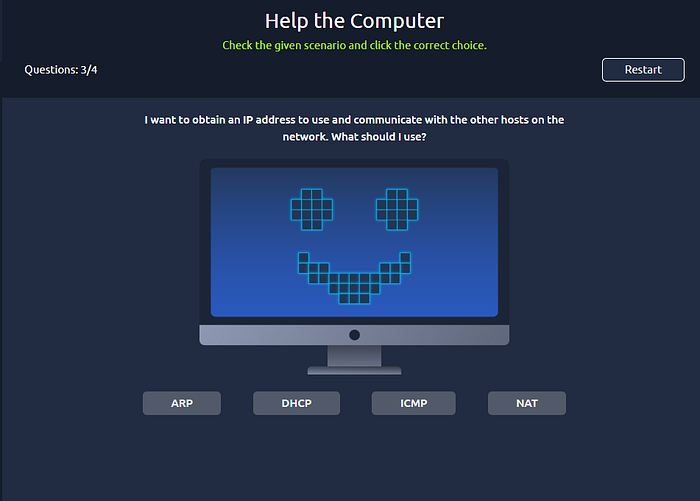
I also got to do some hands-on exercises, identifying which protocol applied to various network scenarios.
Today's learning was insightful. Networking is truly fascinating and fun.