
Welcome to the exciting world of Python data analysis!
Python is a fantastic language, but to truly unlock the power of data, you need specialized tools — libraries that handle everything from organizing millions of rows to creating stunning charts and even applying complex machine learning models.
If you are just starting your journey, here are the essential Python libraries that will form the backbone of your data analysis toolkit.
🎁 Want a free Power BI Styling Cheat Sheet?
I created a free Power BI Styling Cheat Sheet to help you design cleaner dashboards instantly.
👉 Download the free template here (PDF) (Click Here)
1. Pandas: The Data Workhorse
If you are dealing with data in Python, you must know Pandas.
What is it? Pandas is a library specifically designed to help you perform Exploratory Data Analysis (EDA). It allows you to read data, such as a CSV file, and represent it in a structure called a Data Frame.
Why Data Frames Matter: A Data Frame is simply the way Pandas organizes and represents data, which makes performing analysis much easier.
Handling Big Data: One of the best features of Pandas is that it isn't afraid of large datasets. When you have a massive number of rows (like 16,000, 17,000, or even 25,000 rows), tools like Excel can become slow or start hanging, but this is where Pandas steps in to help with initial data cleanup and analysis.
Where to Learn: If you want to master the functions available for Data Frames, the official Pandas "Getting Started Guide" is highly recommended. The documentation has been significantly improved and is now quite excellent, making it easy to install Pandas and follow the guide to get started quickly.
2. Matplotlib: Visualize Your Story
Once you've used Pandas to explore and clean your data, you'll quickly notice a need for data visualization. This is where Matplotlib comes in.
What is it? Matplotlib is a powerful Python library that helps you with plotting. It solves the data visualization gap that you might feel after using Pandas for EDA.
Ease of Use: Matplotlib offers many methods that easily help you plot your data. It makes tasks like creating line plots, scatter plots, and even advanced graphs much simpler, taking the tension out of graph plotting. You can also define important elements like legends and specify what is marked on the x-axis and y-axis.
Using it is simple — you can install it easily using pip install. Check out their Quick Start guide and simple examples to see how easy it is to use the basic functions of Matplotlib.
3. NumPy: The Foundational Layer
While you might primarily work with Pandas or Matplotlib, you should be aware of NumPy, as it is the foundational library used by many others.
What is it? NumPy is used extensively by Pandas, Matplotlib, and even packages like Scikit-learn.
What You Need to Know: As a beginner, you don't need to dive too deep into NumPy. The crucial thing to understand is how a basic N-dimensional array (NDAR) works, as this shows you how data is stored. NumPy stores data slightly differently than standard Python lists, and having a basic understanding of this array representation is necessary for other libraries to function properly.
📘 Want to upgrade your Power BI visuals instantly?
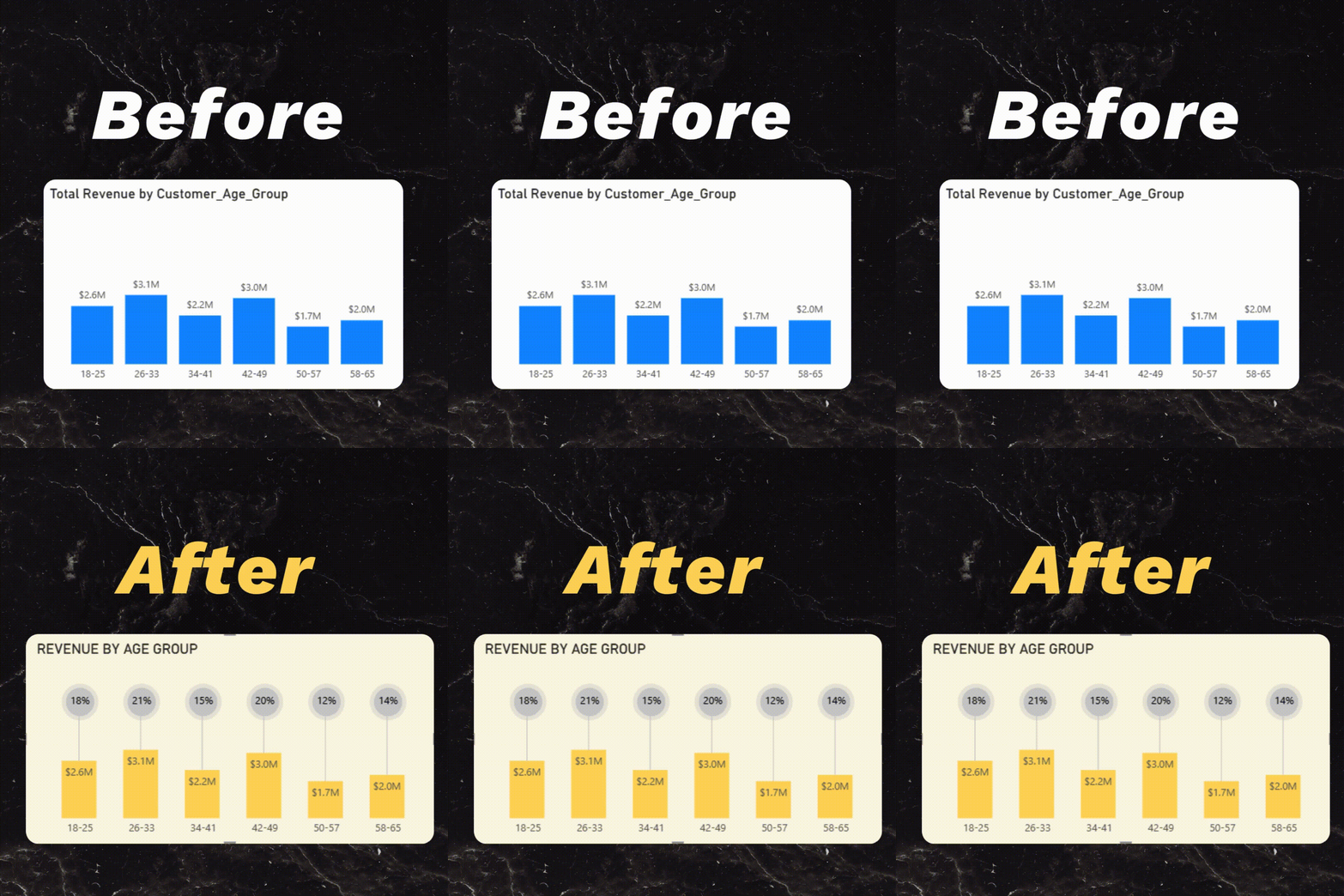
If you found this tutorial helpful, you'll love my eBook: "Transform Your Boring Bar Charts into Brilliant Visuals"
Inside the eBook:
🔹 10 real bar chart transformations (before → after)
🔹 Step-by-step Power BI instructions
🔹 Clean design rules you can apply in minutes
👉 Grab the eBook here: Click Here
4. Scikit-learn (SKlearn): Machine Learning Made Easy
If you are performing data analysis and want to apply a Machine Learning (ML) algorithm, Scikit-learn is the package to use.
What is it? Scikit-learn (often abbreviated as SKlearn) is a fantastic library because it has virtually all machine learning algorithms already implemented. This means you can apply an ML algorithm to your data without actually having to know the complexity of the algorithm itself.
Built for Simplicity: The library is designed to be highly intuitive. It's built on top of NumPy, SciPy, and Matplotlib. You can easily install and start using its core functions — like fit and fit_transform—within about an hour. The new versions of Scikit-learn have evolved specifically to avoid confusion, making it very beginner-friendly.
5. PySpark and Dask: Dealing with True Big Data
While Pandas handles large datasets well, sometimes you run into scenarios where even high memory systems (like 128GB) run out of space. This is when you need tools that support parallel computing and distributed processing.
PySpark: PySpark is a Python library that allows you to interact with Apache Spark. It enables you to use Python to perform real-time, large-scale data processing within a distributed environment. This gives you the best of both worlds: Python's simplicity combined with the power of distributed computing.
Dask: Dask is a library that claims to be similar to PySpark and is highly favored by many users. The reason people love Dask is that it requires very few code changes; the code that works for smaller datasets can be easily modified to handle Big Data.
📘 Before You Go… If you want to improve the design quality of your dashboards, don't forget to grab my ebbok "Transform Your Boring Bar Charts into Brilliant Visuals"
It's a Step-by-step Power BI instructions guide that helps you create clean, modern, and professional Power BI visuals.
Beyond the Basics: Other Tools
For those looking to expand their knowledge, other influential libraries in the data analysis space include SciPy, PyTorch, and TensorFlow.
Recommended Next Step: Structured Learning
If you want to master these topics and more, consider pursuing a structured program. The SimplyLearn Data Analysis Program is highly recommended, as it teaches not only Python but also R and predictive analytical skills.
This top-notch course provides hands-on experience through real-world projects that teach data-driven decision making. You start with Excel, move to SQL, and then proceed to Python and Machine Learning, covering over 20 skills and more than nine tools. The course offers exclusive hackathons, lifetime access to self-paced content, and a Data Analyst certificate that helps with job applications. Alumni reviews are excellent, confirming that it helps both beginners and experienced learners.
Thanks for spending your time with my blog today! If you'd like more content like this, hit Follow here on Medium — it helps you stay updated and supports my work.
I also share daily Power BI tips, beautiful chart redesigns, and short video tutorials on: Instagram (@BrilliantPowerBI).
Join the community — I'd love to connect! See you in the next article! 🚀